LED display maintenance costs are one of those things buyers usually ask about too late. The quote looks good, the pixel pitch looks right, the cabinet drawing looks clean, and then six months later somebody realizes the site has no spare modules, no safe access path, and no clear plan for who handles troubleshooting.
That is when a “good deal” starts feeling expensive. So let’s keep this simple. Before you approve an LED display order, you want to know what it will cost to keep the screen running, not just what it costs to get the screen shipped.
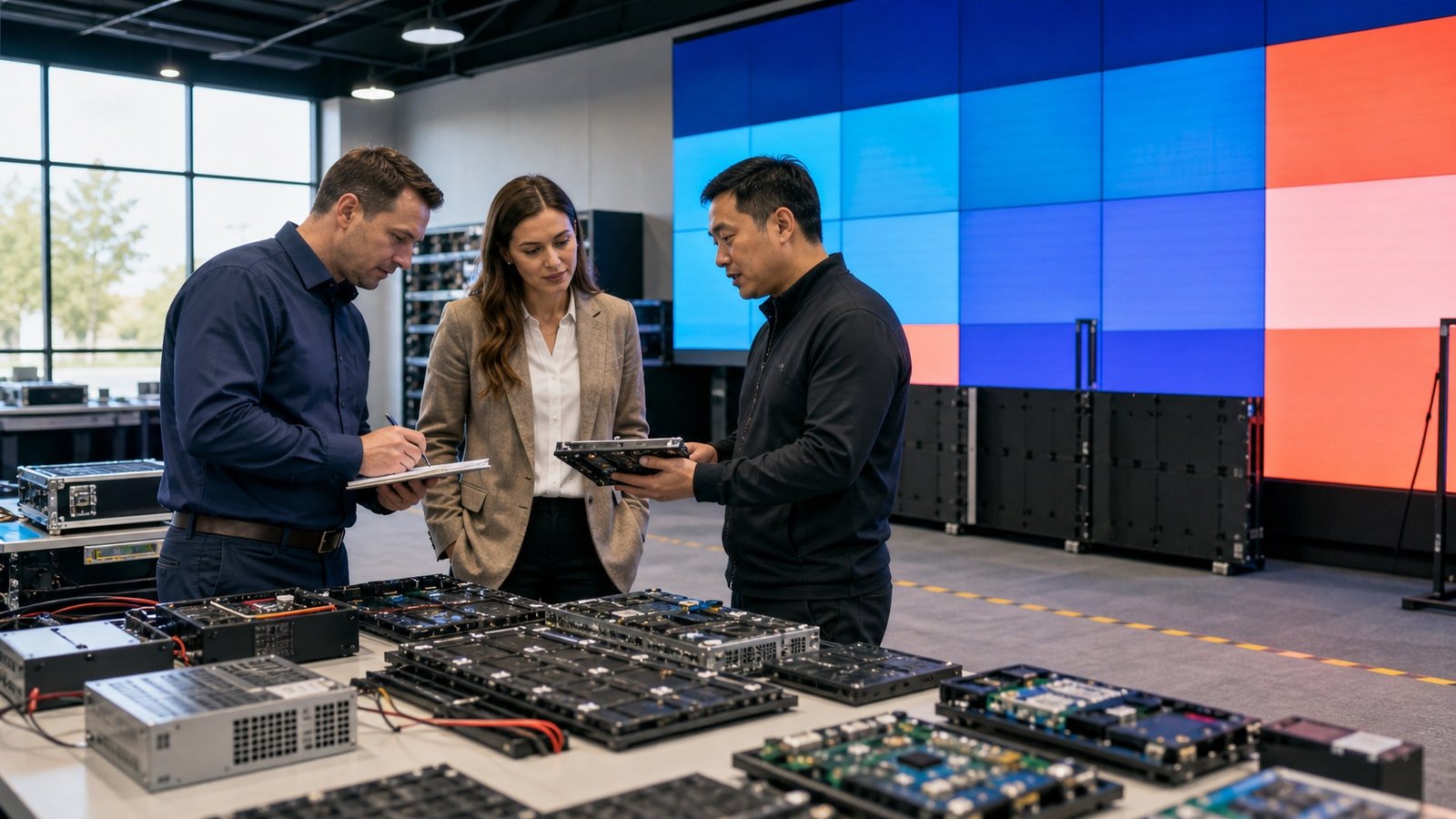
The quote is only the starting line
When B2B buyers compare LED display quotes, most people look at cabinet price, pixel pitch, brightness, refresh rate, warranty, and shipping. Fair enough. Those details matter.
But maintenance costs hide in the boring parts of the project: access, spare parts, power stability, climate, control system support, and whether your local team can actually replace a module without turning the whole site into a fire drill.
If you are buying an outdoor LED display, a commercial LED video wall, or a rental LED display, the smartest move is to ask maintenance questions while the supplier is still quoting the project.
Cost #1: access to the screen
Access is the quiet budget killer. A front-service LED display may cost more at the beginning, but it can save a lot of labor if the screen is mounted against a wall or inside a tight retail space. A rear-service screen can be perfectly fine if there is a safe maintenance corridor behind it.
The problem starts when nobody checks the real site conditions. If a technician needs a lift, extra safety gear, night work, or special permits every time a module needs attention, your maintenance budget changes fast.
- Can a technician reach every cabinet safely?
- Does the wall, truss, or structure allow front or rear service?
- Will the screen be blocked by furniture, signage, glass, or ceiling features?
- For outdoor projects, is there safe access during bad weather?
Cost #2: spare parts that match the real screen
Spare parts sound simple until the buyer discovers the module batch, receiving card, power supply, or cable type is not easy to match later. For LED displays, “close enough” is not always good enough. A slightly different module can create color mismatch. A different receiving card can create control headaches. A missing cable can delay a repair that should have taken ten minutes.
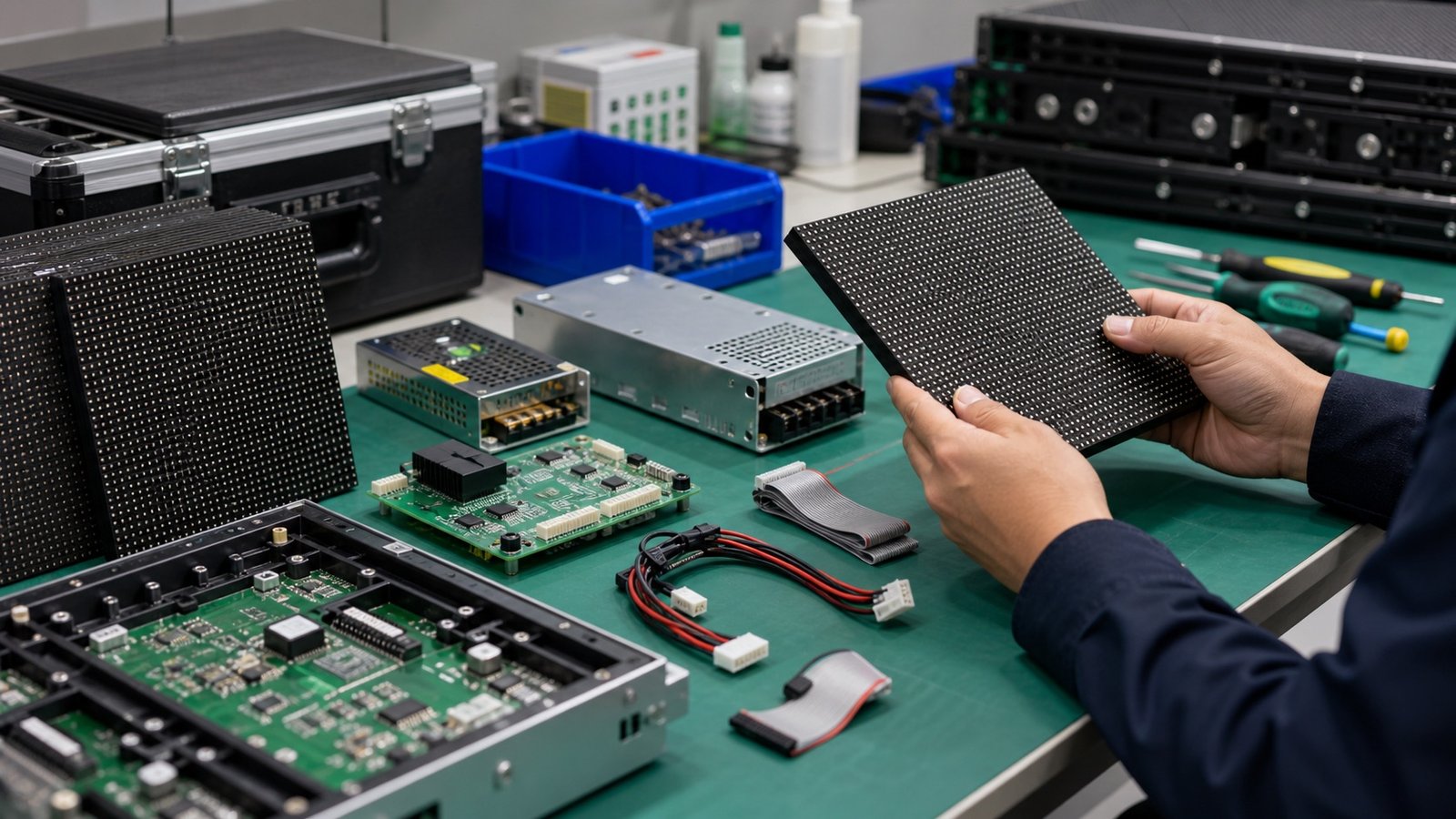
A good supplier should recommend a spare parts package based on project size, installation environment, and expected uptime. For a mission-critical control room, you may want more redundancy. For a seasonal rental inventory, you may care more about fast replacement and flexible module stock.
Ask for the spare parts list before you approve the order. Not after.
Cost #3: power, heat, and moisture
Power quality has a big impact on long-term LED display maintenance. Voltage swings, weak grounding, water ingress, and poor ventilation can create repeat problems that look like product issues but are really site issues.
For outdoor screens, confirm waterproof rating, cabinet drainage, cable routing, surge protection, and service access. For indoor screens, check ventilation and heat buildup, especially if the screen is recessed into a wall or surrounded by decorative panels.
This is not about making the project complicated. It is about avoiding the classic “we installed it exactly where the designer wanted it, and now it overheats” problem.
Cost #4: control system support
A display can have great hardware and still become painful if nobody understands the control system. Before ordering, confirm what software is used, who provides setup guidance, what files are included, and how your team gets help if the screen loses signal or needs recalibration.
At minimum, your handover package should include cabinet layout, wiring diagram, receiving card configuration, sending card details, spare parts list, and basic troubleshooting steps. If your team needs remote support, ask how that works before the shipment leaves the factory.
A quick buyer checklist
| What to check | Why it matters |
|---|---|
| Front or rear service | Controls future labor cost and repair speed. |
| Spare module ratio | Reduces downtime when a module needs replacement. |
| Power supply spares | Prevents small failures from becoming long outages. |
| Receiving card model | Keeps control parts compatible with the real screen. |
| Access equipment | Helps estimate real maintenance labor, not just product cost. |
| Remote support plan | Makes troubleshooting faster when your local team is stuck. |
Questions to ask your LED display supplier
- What spare parts do you recommend for this exact screen size and application?
- Are the spare modules from the same production batch?
- Can the screen be serviced from the front, rear, or both?
- What maintenance documents will ship with the order?
- Who helps with control card setup and troubleshooting?
- What should the local installer prepare before the screen arrives?
- How quickly can replacement parts be supplied later?
If a supplier can answer these clearly, that is a good sign. If the answers are vague, slow down. A low quote does not help much if the maintenance plan is missing.
What this means for your budget
You do not need to overbuy. You just need to budget honestly. A practical LED display maintenance plan usually includes a small set of spare modules, spare power supplies, receiving cards, key cables, documentation, and a clear support channel.
For some projects, that extra planning may add a little to the purchase order. But it can save a lot more later by reducing downtime, rush shipping, emergency labor, and awkward conversations with the end customer.
FAQ
How much should I budget for LED display spare parts?
It depends on the screen size, installation type, and uptime requirements. As a practical starting point, ask your supplier for spare modules, power supplies, receiving cards, and cables that match your exact project configuration.
Is front service worth the extra cost?
Often, yes. If the screen is wall-mounted or has limited rear access, front service can reduce future labor time and make repairs much easier. If there is a proper rear maintenance path, rear service may still be a smart option.
Can maintenance costs be reduced before ordering?
Absolutely. Confirm access, power, ventilation, spare parts, and support documents before production starts. Early planning is usually cheaper than emergency fixes after installation.
Bottom line
The best time to control LED display maintenance costs is before the order is signed. Get clear answers, confirm the spare parts, check the site access, and make sure the support plan is real.
If you are planning a commercial LED display project and want a cleaner maintenance plan from day one, send Mirun Hailian your project details. The more we know about your site, the easier it is to recommend a screen that is practical to run, not just good-looking on paper.
Need help choosing the right LED display?
Tell us your installation scene, screen size, pixel pitch target and timeline. Mirun Hailian can help match the right product configuration.