Choose a screen around your space, audience and installation. Explore six application directions, compare product options and prepare a clearer project brief with Mirun Hailian.
A shop window, a touring stage and an outdoor façade place different demands on a display. Use the application below to identify what needs to be confirmed.
Application images below are AI-generated visualisations, not completed Mirun projects or exact model representations. Product selection and installation details require review for the specific site.
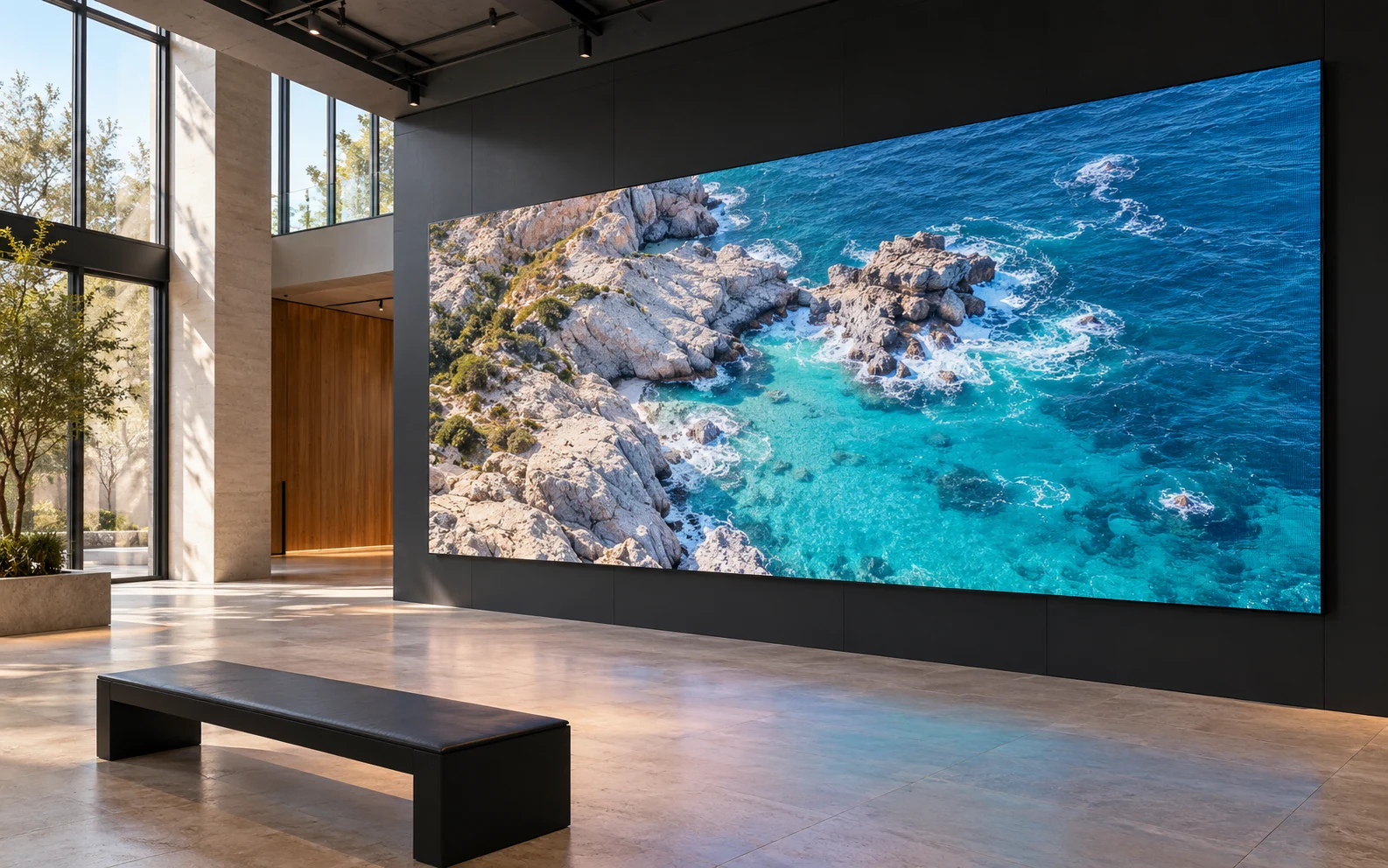
AI-generated application visualisation.
01 / RETAIL & BRAND SPACES
Retail & showroom displays
For store interiors, product presentations, window media and freestanding promotions. Begin with the customer’s viewing position and the content they need to read.
Nearest viewing distance, daylight through glass, brightness, image resolution and access behind or in front of the display.
Share with us
Store photos, screen dimensions, window or wall drawings and a sample of the intended content.
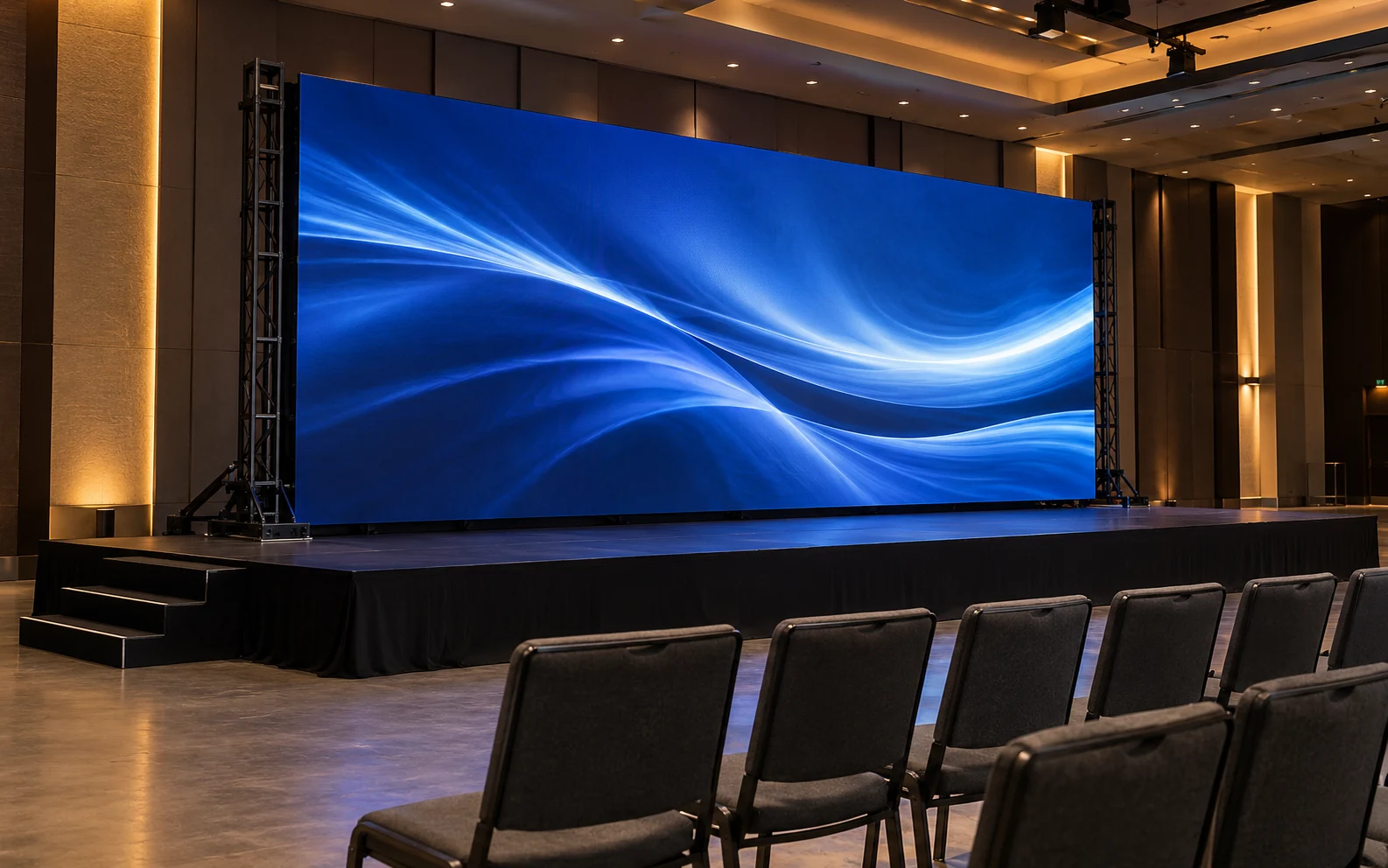
AI-generated application visualisation.
02 / EVENTS & PRODUCTION
Events & stage production
For conferences, exhibitions, live shows and touring systems. Product choice needs to account for repeated assembly, transport and how the display will be filmed.
Sun direction, operating hours, protection ratings, heat, local structural conditions and the required service side.
Share with us
Installation country, façade or mounting drawings, site photos and approximate audience distance.
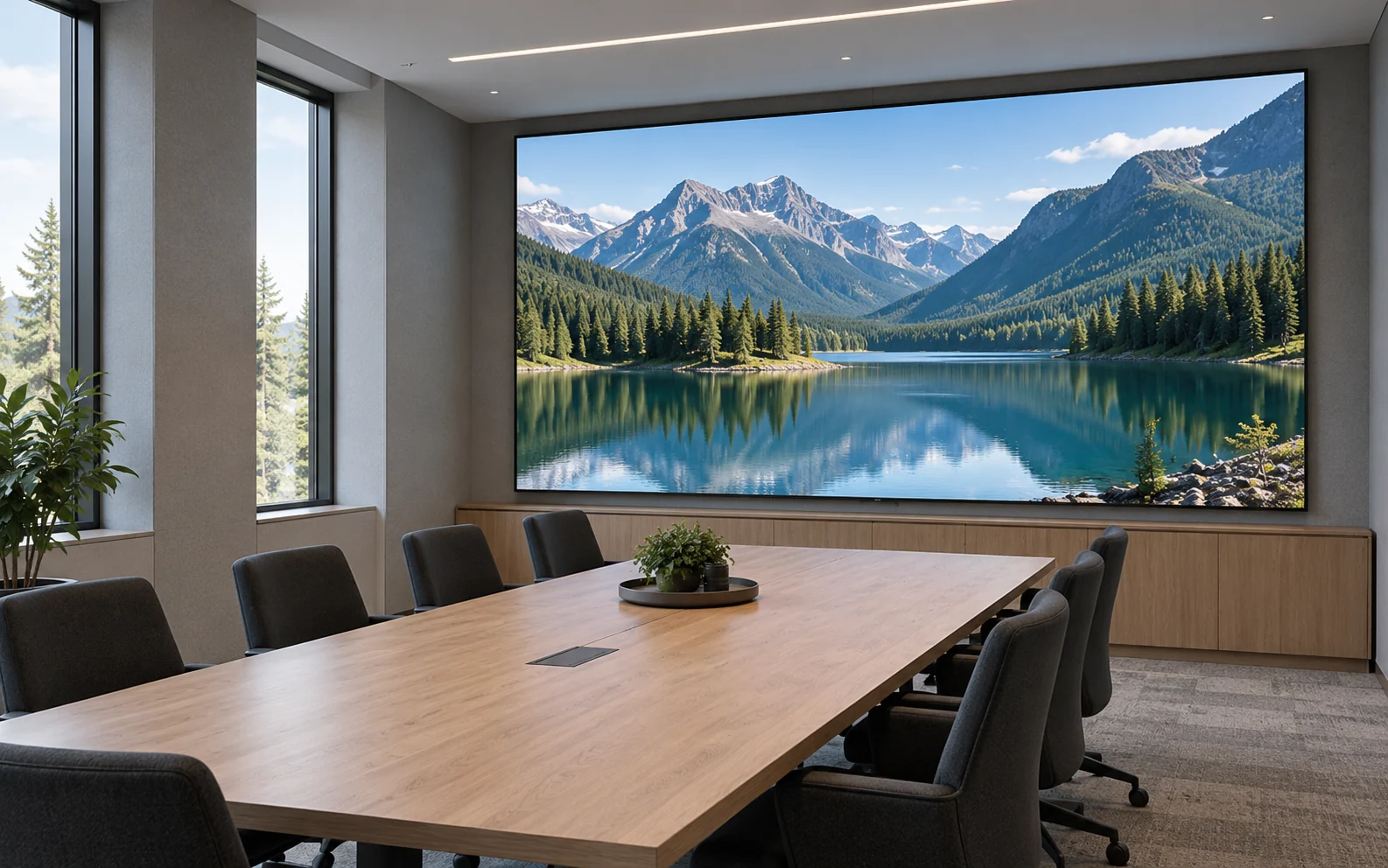
AI-generated application visualisation.
04 / WORKPLACES & INFORMATION
Corporate, lobby & control rooms
For meeting rooms, training spaces, reception walls and information displays. The smallest text and closest viewing position are useful starting points.
Pixel pitch, content resolution, input sources, multi-window layouts, service access, heat and operating schedule.
Share with us
Room plan, nearest seat, sample slides or dashboards and the proposed signal sources.
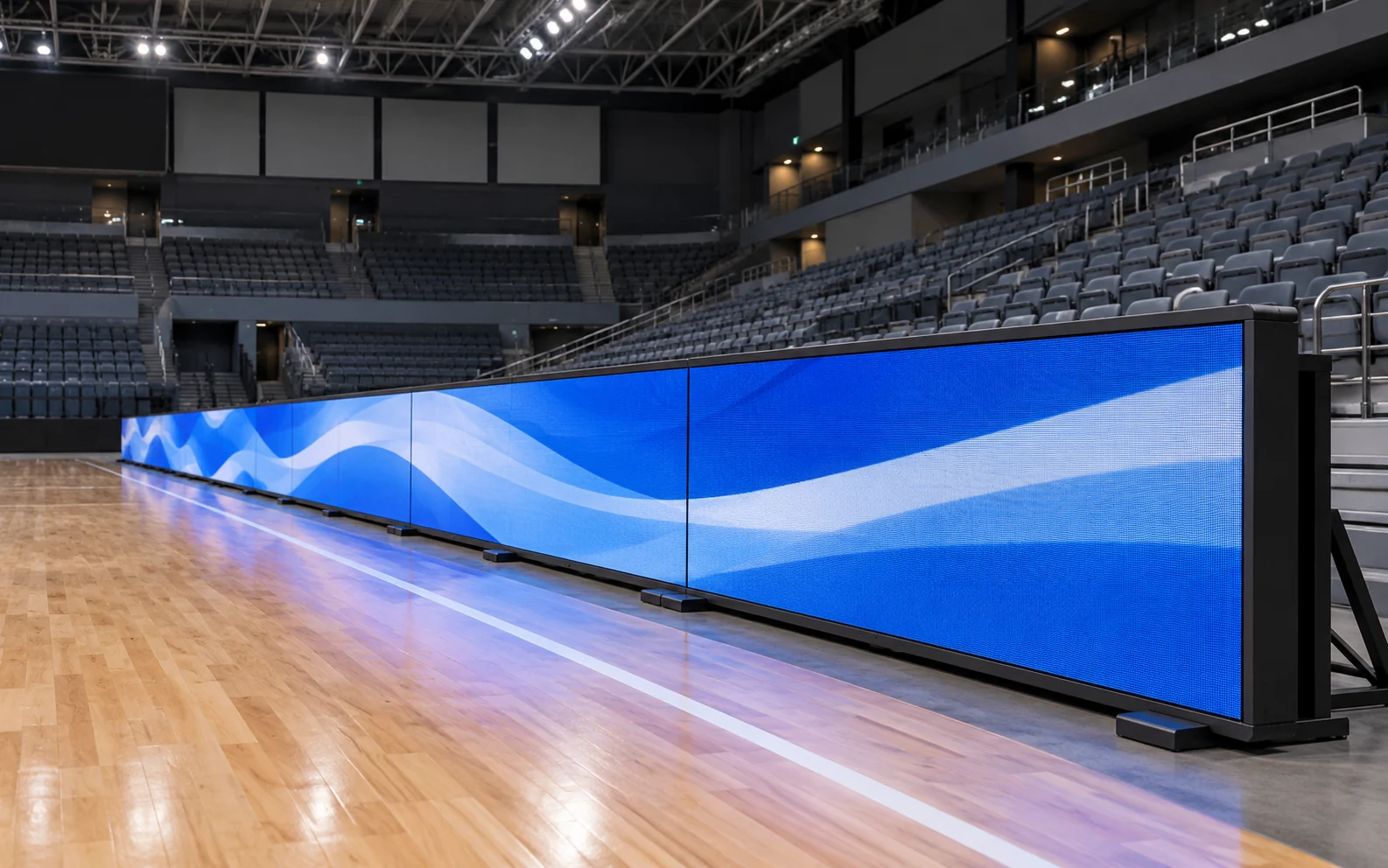
AI-generated application visualisation.
05 / VENUES & EXPERIENCE
Sports & immersive venues
For arena perimeters, fan zones, event spaces and walk-on media areas. Perimeter cabinets and LED floors serve different physical uses and need separate checks.
Audience and equipment proximity, impact protection and service routes. For floors, confirm the assembly’s load, surface grip and interaction requirements.
Share with us
Venue layout, display position, indoor or outdoor conditions and the proposed visitor route.
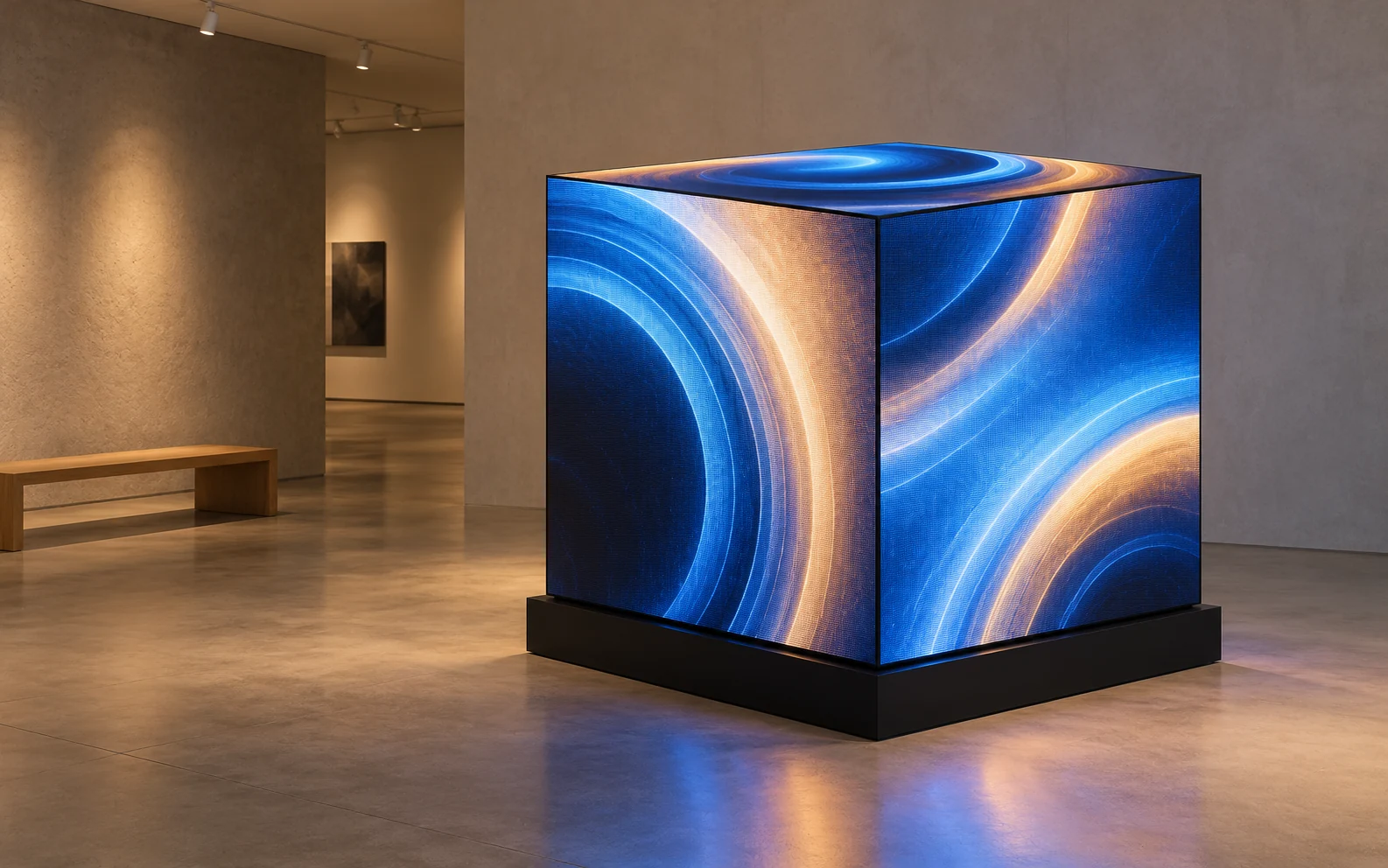
AI-generated application visualisation.
06 / CREATIVE & ARCHITECTURAL
Creative & architectural LED
For museums, atriums, columns, glass surfaces and custom media features. The physical shape, supporting structure and mapped content need to be planned together.
Dimensions, curve or shape, visible faces, transparency needs, cable routing and access to replace components.
Share with us
Concept drawings, surface geometry, visitor viewpoints and a draft content storyboard.
Explore further application illustrations to compare settings and planning questions. These examples do not represent verified Mirun customer deliveries.
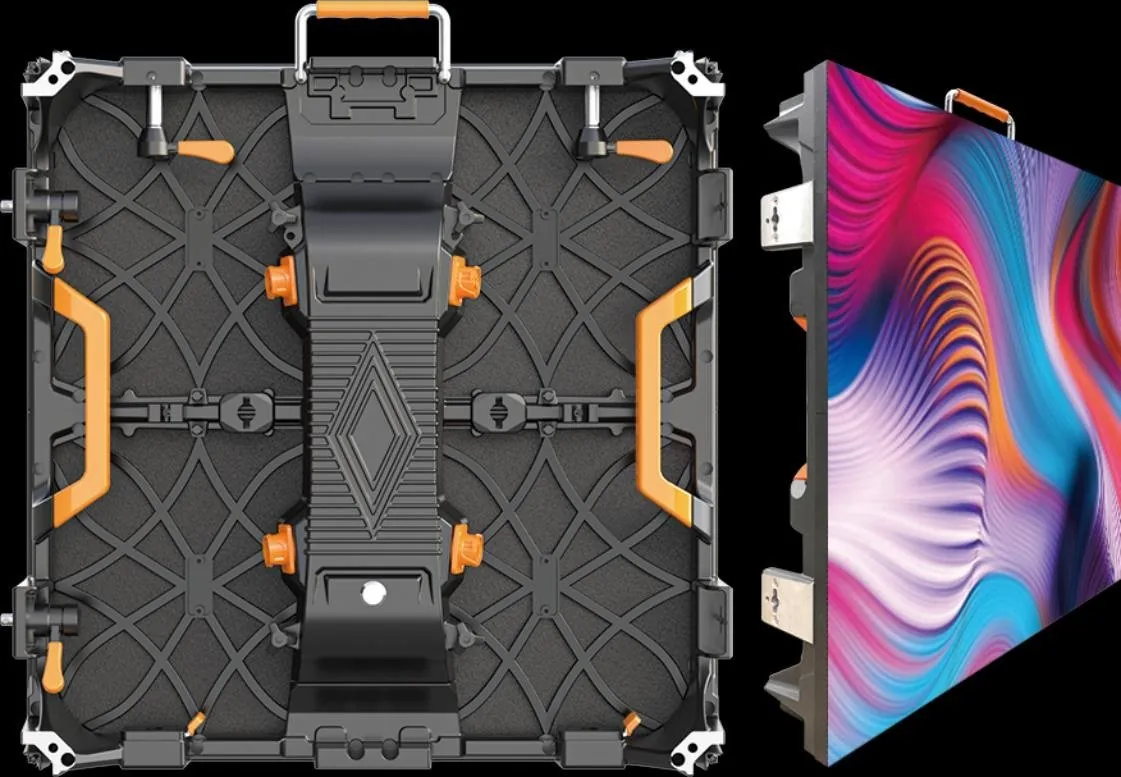
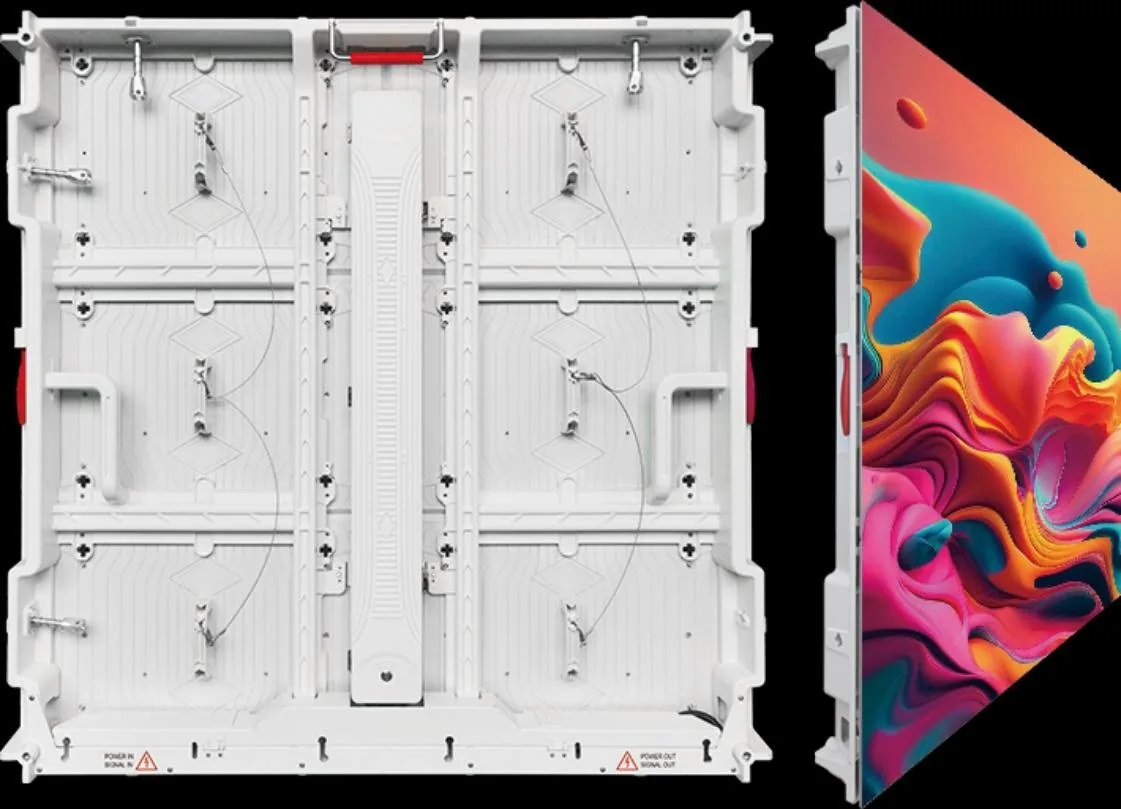
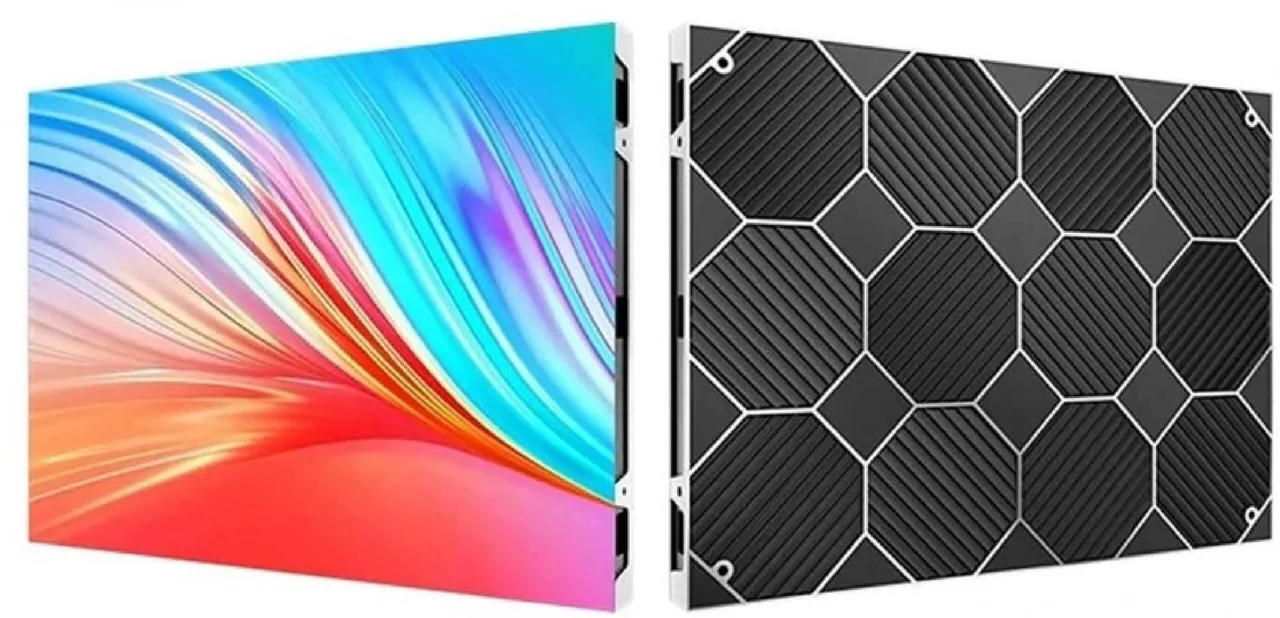
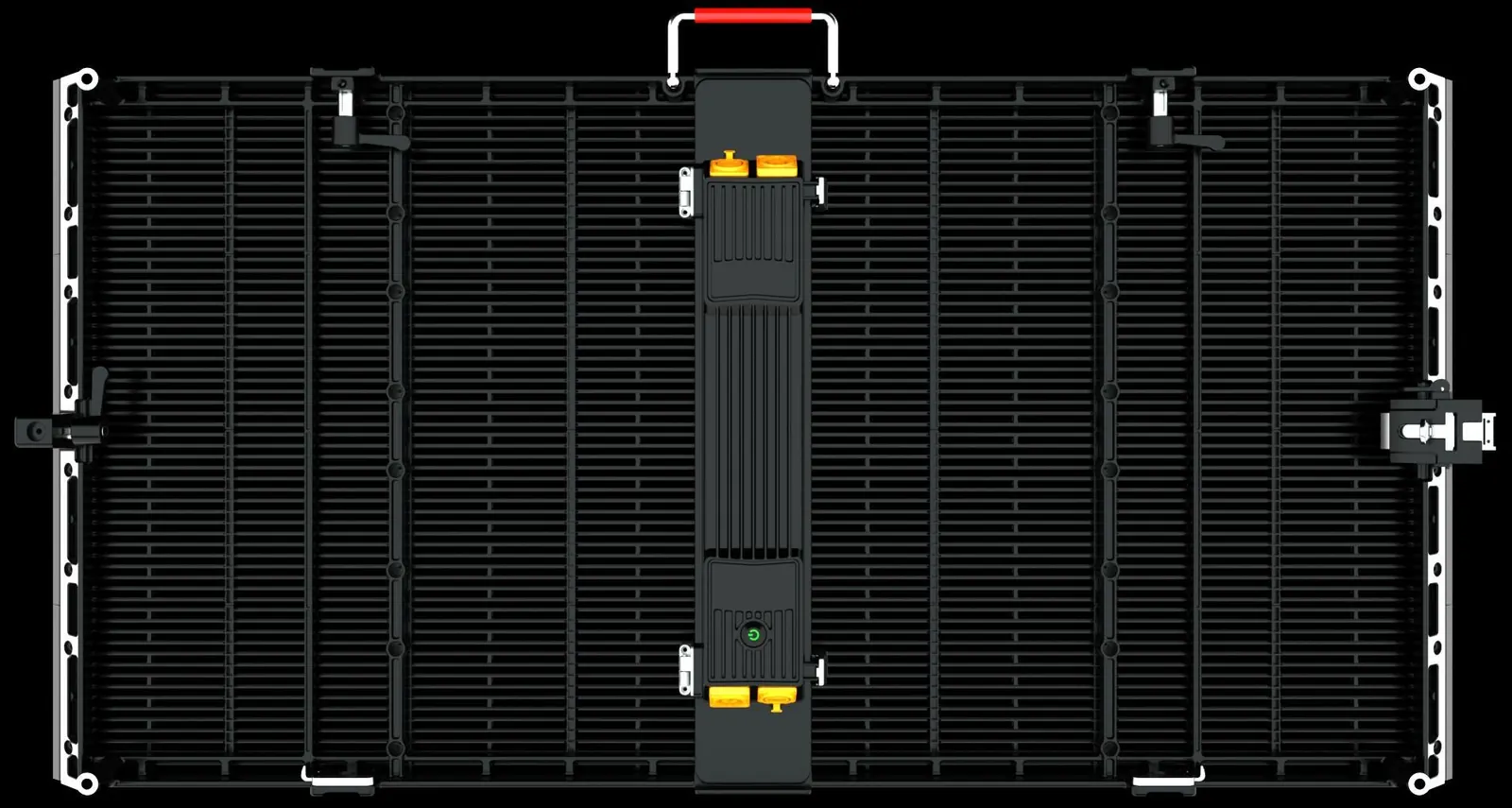
Product catalog images. Confirm the supplied model, parameters and configuration with your quotation.
DEFINE THE COMPLETE SCOPE
What your solution needs to include.
Use the quotation to agree the components, interfaces and responsibilities needed for the display to work in its intended setting.
01
Display & configuration
Cabinets, modules, pixel pitch, screen layout, selected brightness and the exact bill of materials.
02
Control & content
Controller, signal sources, resolution, playback needs, cabling and any content-mapping requirements.
03
Installation & service
Mounting method, power/data routes, maintenance side and who supplies the supporting structure.
04
Handover & support
Spare modules, packing, inspection evidence, setup documents and the agreed technical support scope.
Confirm structural, rigging and floor-load requirements with the responsible site professionals. Protection ratings, compliance documents and performance parameters must match the selected model and configuration.
PREPARE YOUR PROJECT BRIEF
Three steps toward a clearer quotation.
You do not need a finished technical specification to start. A few clear site details help us narrow the product and identify what still needs review.
Review text and dashboards from the viewing positions that matter in the room.
APPLICATION QUESTIONS
Before choosing a configuration.
Common points to clarify as a project moves from the application to a specific product.
How do I choose the pixel pitch?
Start with the closest viewing distance, screen dimensions and intended content. Share a sample of the smallest text or detailed material you need to display, then compare available models against the required resolution and budget.
Can one cabinet be used for indoor, outdoor and rental work?
Do not assume every cabinet supports all applications. Confirm the exact model’s environment rating, brightness, locks, handling requirements and approved installation method for each intended use.
What happens after I send a project brief?
We review the application and identify product options and missing details. Confirm the final model, quotation scope, schedule and support responsibilities before ordering. You can also review our technical support resources.
LET’S DEFINE YOUR DISPLAY
Tell us about the space.
Share the screen size, application and installation country. We will help you compare the options and prepare the details needed for a quotation.