A training room needs a larger picture. One proposal specifies a laser projector; another specifies a direct-view LED wall. Both promise a clear presentation, but they depend on different things: the light reaching the screen, the available installation space, the smallest content and the way the room is maintained.
For an LED wall vs laser projection decision, start with the room’s normal working conditions. Shortlist projection when you can control light on the screen and accommodate the selected lens and surface. Shortlist LED when a permanent display must work with the room lights on or an unobstructed image path is important. Neither choice is approved until the actual content, viewing positions and installed scope have been checked.
This guide is for fixed indoor training, meeting and lecture spaces. It is not a cinema design specification or an outdoor display recommendation.
Make the first choice around a non-negotiable condition
An LED wall forms the image at the display surface. A projector sends an image through a lens onto a separate surface. In this comparison, “LED wall” means direct-view LED, not an LED-light-source projector. “Laser” identifies a projector’s light source, not its native resolution, lens suitability or complete operating capability.
Use three starting questions:
- Must people take notes with the lights on, while daylight remains difficult to control? Evaluate LED first, while still testing reflections, operating brightness and dark content.
- Can the room provide suitable light control and a clear projection path? Keep laser projection on the shortlist, especially when an existing screen and mount may be reusable.
- Must the front wall disappear or return to another use? Investigate a retractable projection screen and its housing before committing that wall to a permanent display.
These are shortlist directions, not universal winners. A bright projector with a suitable screen can work in a lit room; an LED wall can still be uncomfortable or hard to read when poorly specified. Start the LED-side comparison with the intended indoor display application, not an unrelated outdoor brightness figure.
Can the image work under the lighting people actually use?
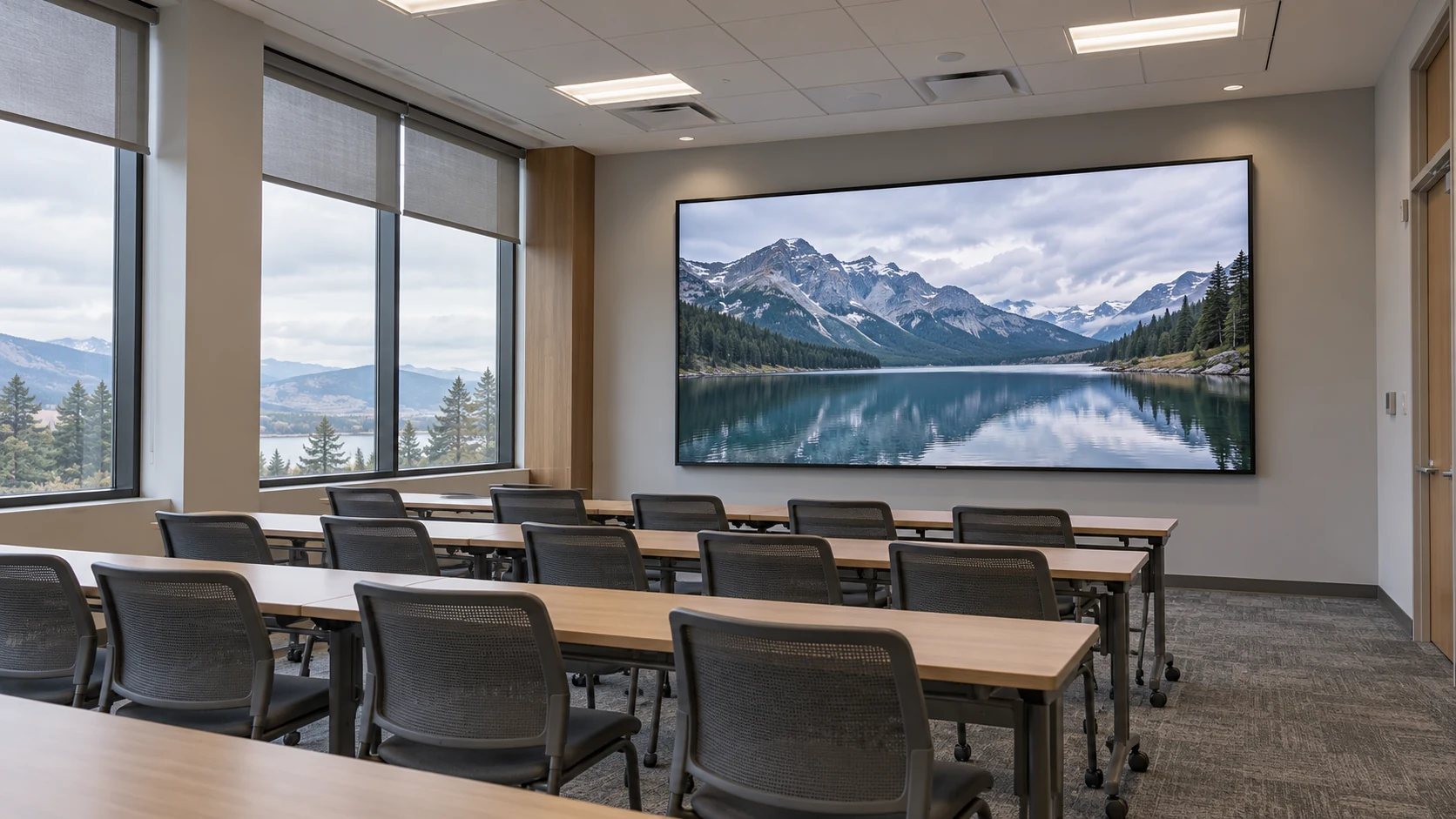
Projection depends on light reflected from a screen. Room light reaching that surface can reduce the distinction between the intended dark and bright areas. The practical question is not whether the room contains windows, but how much unwanted light reaches the image during the activities that matter.
Ask the integrator to assess daytime teaching, lights-on discussion and any dimmed video mode separately. A successful demonstration with the blinds closed does not approve a room that normally operates with them open.
Christie’s LED planning white paper identifies high-ambient-light applications as a strength of direct-view LED. That is a reason to evaluate it, not permission to assume every LED configuration defeats direct sunlight. Surface reflections, operating settings and the viewer’s position still matter.
Do not compare projector lumens with LED nits as if they were the same specification. Request an assessment of the proposed projector, lens, screen and image size together, then compare the resulting viewing experience with the proposed LED wall at its intended setting. An ambient-light-rejecting screen also needs to be evaluated with its intended projector geometry and seating; the label alone is not acceptance evidence.
Use a dark photograph, ordinary slides and the smallest required text. Check the front row, the back row and side seats. The decision should survive the room’s real lighting, not just a supplier’s showroom scene.
Does the installation fit without compromising the room?
For projection, mark the screen plane, projector position and optical path on the room drawing. Include ceiling services, lighting fixtures, presenter movement and maintenance access. A convenient mounting point is useful only if the selected lens can produce the required image from there.
Epson’s positioning guide distinguishes long-, short- and ultra-short-throw arrangements and explains their implications for placement and shadows. This matters because “projection causes presenter shadows” is too broad. The actual lens, location and movement zone decide whether a person interrupts the image.
For LED, draw the complete installed envelope: active image, frame, trim, cabinet depth, ventilation and service clearance. Confirm the supporting structure with the responsible installation team. A thin-looking front view does not establish the required wall depth or load-bearing arrangement. The front-service versus rear-service decision belongs in this review, before joinery or wall finishes are frozen.
A mounting-distance example
Suppose a room needs a 3.6 m-wide projected image and a candidate lens has a throw ratio of 1.5:1. These are illustrative inputs, not a recommended product.
BenQ defines throw ratio as throw distance divided by image width. Rearranging gives:
Throw distance = throw ratio × image width = 1.5 × 3.6 m = 5.4 m.
If the usable optical distance is only 4.2 m, that particular ratio does not provide the requested width. The project needs another suitable lens or projector arrangement, a smaller image, or another display route. Digital image adjustment is not a substitute for confirming optical fit.
The calculation is a first geometry check. Confirm the selected model’s distance reference, zoom range, lens shift, image-size limits and mounting instructions. It does not establish image brightness, readable text or the safety of a ceiling mount.
Will the smallest content remain useful from the worst seat?
Compare both proposals at the same required image dimensions and with the same source files. A larger picture can help the back row, but it can also expose insufficient detail or force an unsuitable installation.
For LED, request the native pixel canvas of the proposed cabinet layout. Pixel pitch is the spacing between pixel centers; together with active dimensions, it determines the available pixel grid. For projection, confirm native imaging resolution, supported inputs and how the intended source is mapped to the image. “Accepts 4K” is not a complete description of either system’s displayed detail.
Show a spreadsheet, a diagram with thin lines and the actual presentation template. Include any split-screen mode used for remote participants or shared documents. A full-screen landscape video cannot approve text-heavy teaching material.
Use the text-readability acceptance guide to define a repeatable viewing task. Agree what participants must read, from which seats, without changing the content halfway through the comparison. Check focus and edge detail on projection, and inspect the LED surface from the closest occupied position. Neither a resolution badge nor a viewing-distance shortcut replaces that demonstration.
What will operators and service teams have to do?
A laser light source avoids routine replacement of a conventional projector lamp. It does not make the whole system maintenance-free. Request the selected model’s service instructions, cleaning requirements, permitted operating conditions and light-source warranty terms. Record how technicians reach the unit and whether its replacement can reuse the existing mount, lens or control connection.
An LED wall has a different service task. Confirm how modules, power supplies and control components can be accessed, which replacements are stocked and how a repaired area is checked against the surrounding image. Do not assume a future module will match simply because its dimensions fit. A documented spare-parts package makes that discussion more concrete.
For both routes, ask ordinary room operators to start the system, select a source, switch to a video call and shut it down. Confirm which devices provide audio, conferencing, wireless presentation and room control. Those functions may be supplied separately, even when the display brochure sounds complete.
Also test audible noise from occupied seats during quiet use. Obtain model-specific power and heat information at the intended operating settings. Do not assume projection always consumes less power, LED is always silent, or a maximum-rating comparison represents normal use.
Compare installed proposals, not just display prices
An LED wall vs laser projection cost comparison becomes meaningful after both suppliers price the same room outcome. If one offer includes controls, commissioning and local installation while the other lists only hardware, the totals do not describe competing completed systems.
Use a common scope sheet:
| Scope to compare | Projection proposal | LED proposal |
|---|---|---|
| Image formation | Projector, selected lens, screen and housing | Cabinets/modules, processor and required control hardware |
| Installation | Mount, optical alignment, cable routes and access | Support frame, alignment, trim, cable routes and service access |
| Room changes | Required shading, lighting adjustments and screen integration | Required wall preparation, depth, power provision and ventilation |
| Acceptance | Agreed content at final image size, lighting and seats | The same content, lighting and viewing tasks |
| Ongoing support | Model-specific service, access equipment and replacement scope | Spares, replacement matching, configuration records and service labor |
Enter “included,” “excluded” or the named local contractor against each applicable item. The buyer should coordinate the AV integrator, facilities team and responsible installers; a display manufacturer should not be presumed to own every site interface.
For operating-cost estimates, use an agreed schedule, realistic settings and local rates. Separate supplier data from assumptions. Request the warranty exclusions and the priced response arrangement rather than treating a light-source lifetime figure as a guaranteed whole-system service life.
If an existing projector already meets the required content and room-lighting test, keeping it may be the correct decision. If it fails, identify the actual reason before approving a replacement: unsuitable light control, optical placement, image detail and operating scope lead to different remedies.
Choose the route you can demonstrate and support
Choose laser projection when the room can support the required screen, optics and lighting conditions, and the completed proposal passes the agreed content test. Choose a direct-view LED wall when its permanent installation, operating image and service arrangement better meet the brief. Hold either proposal if a mandatory condition remains unproven.
For an LED-side evaluation with Mirun, send the room brief: image width and height, room drawings or photographs, nearest and farthest seats, daytime lighting conditions, representative source files, existing AV equipment, service constraints, destination and installation schedule. State which projection arrangement is being compared so the LED proposal answers the same requirement.
The useful LED wall vs laser projection answer is the one that works in the room every day, with an agreed scope and a realistic maintenance plan—not the technology with the more impressive headline number.
Two questions before final approval
Can an existing projection screen stay when an LED wall is installed?
Possibly, but plan the arrangement rather than assuming the products can share the same space. Check screen travel, housing, LED depth, access and the intended use of each system. Have the integration team resolve any conflict before ordering.
Does this comparison also apply to rear projection?
Only partly. Lighting, content and service questions remain relevant, but rear projection uses a different optical and space arrangement. Have the supplier identify the required rear volume, screen construction and service route instead of applying a front-projection layout unchanged.
Need help choosing the right LED display?
Tell us your installation scene, screen size, pixel pitch target and timeline. Mirun Hailian can help match the right product configuration.