An LED wall can show a laptop desktop perfectly and still fail when a protected video starts. For a hotel lounge, presentation venue or visitor experience, that difference matters more than a successful slideshow demonstration. The useful purchasing question is not simply whether the controller has an HDMI input. It is whether the proposed system can display the specific authorized playback workflow the venue needs.
LED display HDCP compatibility should be approved through the actual source-to-display signal chain, using the intended application, content, ports and operating sequence. Request model-specific support information, then test protected playback separately from ordinary presentation material. Include switching, reconnection and any additional outputs. A picture of a working desktop is not sufficient evidence.
What HDCP does—and what it does not prove
HDCP stands for High-bandwidth Digital Content Protection. It protects the digital connection between participating equipment carrying protected content. Digital Content Protection, the organization behind HDCP, distinguishes this link protection from the broader digital rights management system controlling content access. Its HDCP white paper explains that distinction.
For procurement, keep three approvals separate: the signal format the system accepts, the protected connection the equipment supports, and the permission to use the content in the venue. Passing one does not establish the other two. Ask the content provider or rights holder about the intended commercial use; do not treat a technical compatibility demonstration as permission for public exhibition.
This also differs from EDID. EDID helps a source identify advertised display capabilities; HDCP concerns protected-link authentication. Read the LED display EDID compatibility guide if the source selects the wrong format. But changing a resolution advertisement does not, by itself, prove protected playback will work.
Define the playback requirement before selecting the controller
Start with the content workflow, not a blanket “supports streaming” requirement. A locally produced promotional file, a subscription service and a disc player may involve different applications and protection behavior. Even the same computer can behave differently after a browser, operating-system or graphics-driver change. Name the planned workflow so the supplier can investigate something concrete.
The requirement should identify the source model, operating system, playback application, content source, requested output format and audio destination. Include the adapter or docking station if one will be used. Specify whether the source remains dedicated to the wall or is regularly replaced by visiting presenters. A fixed media player is a narrower acceptance scope than an unrestricted bring-your-own-device promise.
As a provider-specific example, Netflix’s Windows Ultra HD guidance calls for an HDCP 2.2-compatible connection to a suitable external display, alongside other platform, playback and network requirements. It also addresses every active display in a multiple-display setup. That is a requirement for that documented workflow—not a rule that every 4K HDMI signal needs the same protection version, and not a recommendation to use a consumer subscription for venue exhibition.
Put the required quality in writing. “Video plays” is too loose when the project expects a particular resolution, frame rate, audio route or HDR mode. The test record should distinguish the requested source format, the format actually received by the processor and the image treatment applied to the LED canvas.
Map every device and port that the protected signal crosses
Draw the actual route: source output, any dock or adapter, switcher, transport equipment, processor input and the remaining display system. Add every mirrored or routed branch. Mark the exact port at each step rather than writing only a product-family name. Equipment within one family can have different interfaces or restrictions.
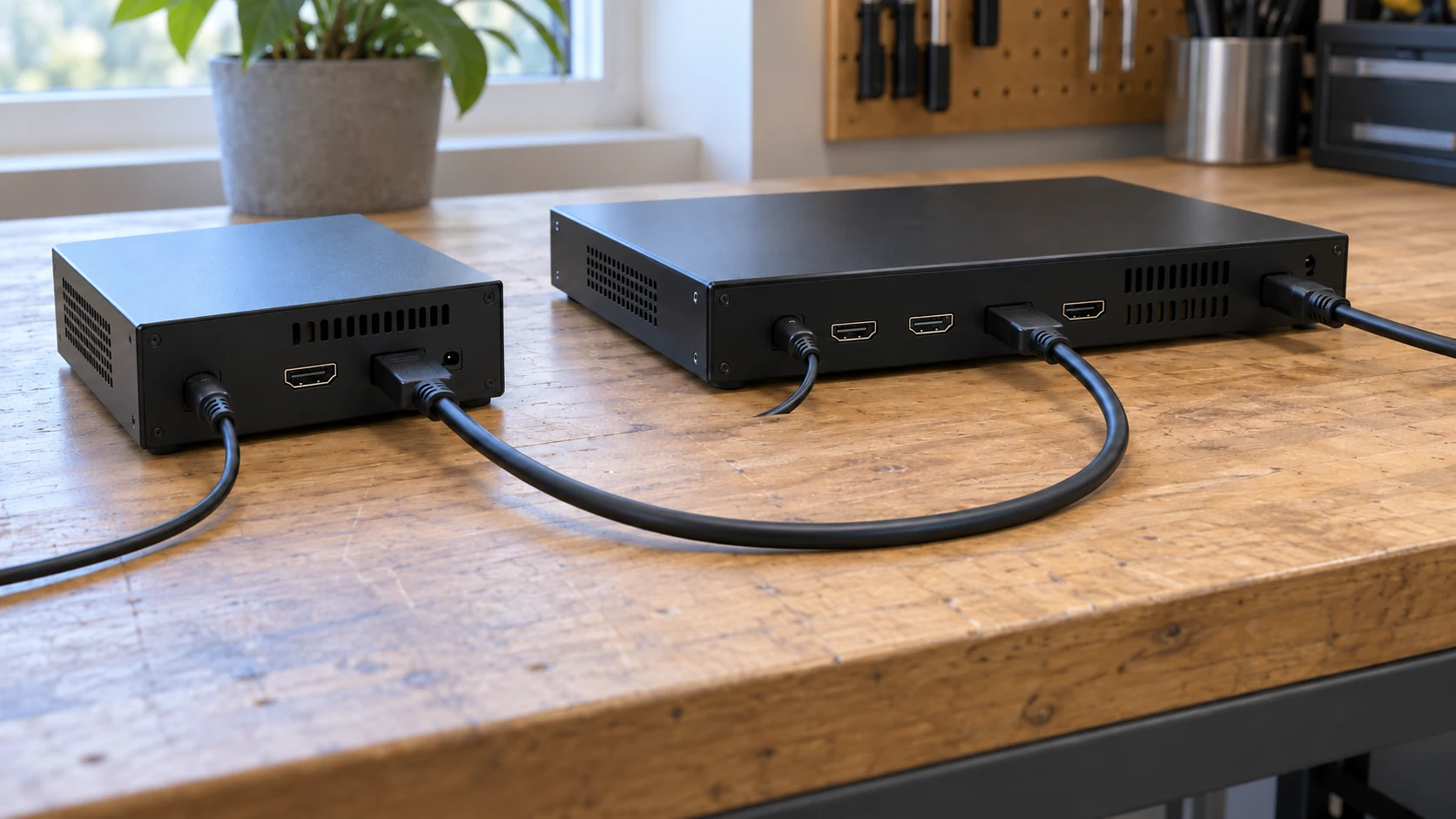
A controller advertised as accepting 4K is not automatically an answer to a protected-playback requirement. Ask which input supports the required HDCP version, under which firmware and operating mode, and what downstream conditions apply. Do not assume a feature on one HDMI port also applies to a different input or an expansion card. The video processor input checklist helps separate input-format capability from other project requirements.
For an LED system, protection capability is commonly discussed at the video processing interface rather than inferred from the LED module itself. Have the system supplier identify how its complete architecture handles the protected input. Cabinet size, pixel pitch and receiving-card quantity are not substitutes for that explanation.
Transport also belongs in the drawing. Record the exact active adapter, extender pair or AV-over-IP equipment, including the configured mode. For a long run, use the signal-distance and fiber planning guide for the transport scope, then ask the selected equipment manufacturer about protected-content support. A generic statement that “fiber carries video” is not an end-to-end compatibility statement.
Ask for port-level evidence, not only an HDCP logo
Request the manufacturer’s applicable manual or specification, with the model, revision and supported input behavior identified. Version information needs context: what the source requires, what the intermediate equipment supports, and what the selected destination accepts. Avoid assuming an older-compatible claim means every protected-content workflow will pass through every combination.
For example, the Extron SW HD 4K PLUS user guide documents HDCP support and separate signal-presence and authentication indicators for that switcher series. It also notes that some sources can encrypt all content when connected to compatible equipment. These are model-specific behaviors worth checking, not universal guarantees for another switcher or LED controller.
That distinction makes a useful supplier question: “Can we see the source format, input signal state and available HDCP authentication state during the proposed demonstration?” If a device does not expose the protection state, record that limitation and use the manufacturer’s documented diagnostics. Do not invent a pass condition from a green signal light whose meaning has not been confirmed.
Keep passive cabling and active equipment separate in the evidence list. Cable bandwidth and physical reliability remain important, but a cable marketing label is not proof that the source, repeater and destination have authenticated successfully. Approval requires the assembled route, not a collection of individually impressive labels.
Use an HDCP compatibility test that reflects venue operation
Agree on the test procedure before the factory demonstration or site acceptance visit. Use content and accounts authorized for that test. The following matrix is a buyer-defined acceptance framework, not a prescribed HDCP certification procedure. Set the repetitions, observation period and allowed recovery behavior for the project rather than borrowing an unexplained universal number.
| Test condition | What to observe | Evidence to retain |
|---|---|---|
| Unprotected baseline | Expected image and audio through the final route | Source format, route and baseline result |
| Authorized protected playback | Required content starts and remains usable | Application, content identifier and available authentication state |
| Source switching | Return to protected playback after another approved source | Switch sequence, interruptions and recovery time |
| Cable reconnection or source wake | Normal playback resumes under the agreed procedure | Action performed, error message and manual steps |
| Additional active output | Required playback with the planned second display or branch | Connected devices, branch configuration and result |
| Agreed operating period | No unexplained loss or quality change during the test window | Duration, quality observations and diagnostic notes |
Run the unprotected baseline first to establish the physical video and audio path. Then start the intended protected material without changing the route. If only the protected test fails, investigate authentication and application requirements as well as the ordinary signal path. It is a useful clue, not a complete diagnosis.
Next, reproduce normal operation: switch away and back, put the source through the expected sleep-and-wake sequence, and reconnect a user-facing cable if that is part of the room workflow. Note whether recovery is automatic or requires an operator. Timing should be measured against the agreed venue requirement; do not promise a fixed reauthentication time for every product.
Test the final installation too. A short direct bench connection may establish a starting point, but it does not accept a system with a different switcher, longer transport link or second output. Integrate the protected-playback record into the wider LED display commissioning checklist, retaining its separate pass criteria.
Treat monitoring and recording branches as separate requirements
A wall can work in a simple demonstration while the proposed operating configuration includes another display, preview monitor or capture route. Add those connections to the acceptance drawing from the start. Do not conceal a branch during the demonstration and restore it after handover.
Ask the integrator to document whether the protected source is routed to each branch, which devices participate, and what behavior the equipment manufacturer permits. Protected playback on the wall does not establish that the same material can be captured or redistributed. If recording is required, agree on an authorized content and production workflow with the relevant providers.
An unsupported capture device is not a problem to solve by defeating protection. A suitable design may keep a recording workflow separate and use content cleared for that purpose. Have the integrator propose a compliant configuration and demonstrate it. Include any restrictions in the quotation so the buyer is not surprised during an event.
Make compatibility part of the quotation and handover
Ask for one named party to coordinate the end-to-end demonstration. The source provider can document its playback requirements; equipment manufacturers can document their interfaces; the integrator must confirm the assembled route; and the venue operator must confirm the content workflow. An LED cabinet supplier cannot alone approve an unspecified computer, subscription service and third-party signal chain.
A comparable quotation should identify the tested sources and ports, supplied adapters, transport equipment, firmware baseline, installation test, documentation and exclusions. Clarify whether new visiting devices or future service updates are included in support. This narrows the promise without hiding an operational limitation.
Retain the approved topology, device and firmware list, application details, settings, results and diagnostic observations. Keep account credentials out of shared test reports. Record a retest trigger for a replacement source, added branch, firmware update or change in playback application. A passed configuration is evidence for that configuration, not permanent proof for every later change.
Questions buyers often ask
Does increasing LED pixel pitch or replacing modules fix an HDCP failure?
Not as a general remedy. Begin with the protected input path and the source’s requirements. Pixel pitch changes the display’s physical sampling and viewing suitability; it does not establish authentication support at a processor input. Diagnose the failure before purchasing replacement hardware.
Can a laptop screenshot prove protected video compatibility?
No. A desktop screenshot or photograph documents only the visible state at that moment. Keep the actual protected-playback procedure and its result, including the source application, connected equipment and operating conditions. Even an error-free still image does not establish successful switching or recovery.
Should a buyer accept a promise that every streaming service will work?
Only if that promise is translated into a defined supported scope and evidence. Ask which services, applications, sources, formats and routes were evaluated, and how changes will be handled. For an open-ended requirement, obtain clear limitations instead of assuming one successful demonstration covers everything.
Before you approve the LED wall
Approve LED display HDCP compatibility against the real playback requirement and full installed route. The essential evidence is a documented, repeatable protected-content test, supported by the applicable equipment information. Keep content-use permission, input-format support and link authentication as separate decisions.
For a useful project discussion with Mirun, provide the planned source and application, content workflow, target video format, screen size, processor or proposed input, transport distance and any second display or recording branch. Include the intended operating sequence and acceptance expectations. Send the playback requirements with your LED display inquiry so the proposed scope can be reviewed before equipment is finalized.
Need help choosing the right LED display?
Tell us your installation scene, screen size, pixel pitch target and timeline. Mirun Hailian can help match the right product configuration.