After a power interruption, the LED wall lights up—but the presentation computer is still at a sign-in screen, the player has the wrong schedule, or the network service has not returned. Someone reports that the display has recovered because its power indicators are on. For the venue operator, recovery means something more specific: the right picture is available at the right time, with a known process for anything that needs attention.
LED display power-outage recovery should be accepted across the complete playback and display chain, not just the cabinets. Define the expected startup behavior, retained settings, content availability and required operator actions. Then verify those outcomes in a planned, approved acceptance exercise. A normal software restart or a successful signal-reconnection test does not establish recovery from every power-loss condition.
This guide addresses procurement and operating acceptance. It is not an electrical switching procedure, a UPS sizing guide or a promise of uninterrupted service. Qualified site personnel must approve the electrical method and confirm that the equipment and supply are safe before any restart test.
Define what “recovered” means for the venue
Start with the service requirement. A visitor-center display may need an approved local presentation after restart. A meeting room may require the processor to return to an agreed input while a presenter supplies the content. A time-sensitive information screen may need an operator check before showing material that could be outdated.
Agree on three distinct milestones: the equipment has started, an acceptable picture is visible, and the intended operating service is available. These may occur at different times. A holding image can be useful during startup, but it is not necessarily the scheduled presentation or current information the venue expects.
State whether the system must recover unattended or may require a named operator. Identify permitted actions, the escalation contact and the conditions under which the screen should remain unavailable. Do not turn an acceptable attended recovery process into an undocumented “automatic recovery” claim.
Map which equipment actually loses power
Draw the installation’s playback and control chain: source or media player, switcher where used, processor, receiving equipment, LED cabinets and relevant network devices. Include control interfaces and audio if they are part of the purchased service. Record which supply or supported power zone serves each element and which components have backup power.
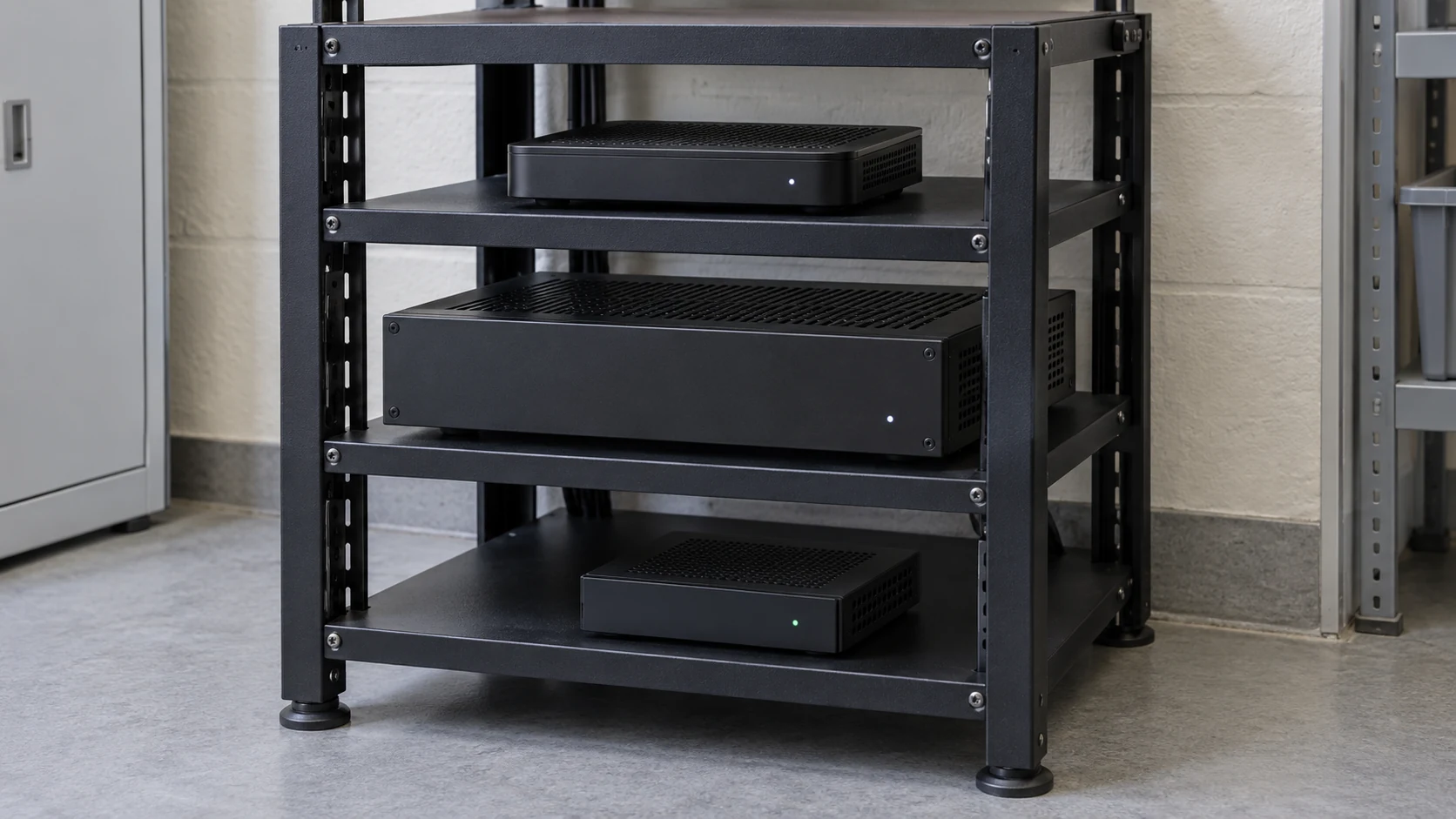
A display-only interruption differs from one that also stops the player and network. If a presentation source remains running while the wall restarts, it may provide a valid signal sooner than a source that must boot and launch an application. Likewise, a powered player cannot retrieve a required online resource from a network device that is still unavailable.
Use the LED display power-distribution guide for the separate electrical scope. The restart plan should reference the approved installation drawing rather than instructing staff to experiment with circuit breakers or connectors. There is no universal device-by-device energizing order appropriate for every LED system.
If a UPS or another backup supply is included, state exactly what it supports and what happens when its available operation ends. Backup for control equipment does not automatically keep the LED surface illuminated. Have the responsible designer confirm the backup and shutdown scope; do not infer complete continuity from the presence of one UPS.
Confirm the difference between a sent setting and a saved setting
A demonstration can use a setting that works during the current session but has not been committed to the intended persistent storage. Before acceptance, identify where the approved input selection, mapping, brightness behavior and other required parameters are retained. Let the supplier specify which values survive power removal and which depend on another device or application.
For a documented example, the NovaLCT multimedia-player manual, version 5.6.1, states that configuration information saved to hardware is retained after power-off. That is a scoped statement about stored configuration, not proof that an entire installation will restart with its content, source authentication and network services ready.
Record the hardware model, firmware baseline, approved configuration and method used to verify retention. Keep the matching files through the configuration backup process. A backup file supports restoration by the approved procedure; simply owning it does not establish automatic recovery.
After the approved restart, compare the required operating state with the acceptance baseline. Check the selected input, image geometry, expected brightness state and relevant control preset. Identify any adjustment that a technician makes during the test. If the result depends on that intervention, include it in the recorded recovery procedure.
Make the player’s startup sequence explicit
The source has its own recovery chain. A computer may need to boot, reach the correct account state, start the playback application and load the intended presentation. A dedicated player may depend on valid local storage, its startup program and the configured publishing method. Ask the source supplier to describe the actual sequence instead of accepting “auto-play” without conditions.
Microsoft’s Windows kiosk overview, for example, describes automatic app launch when the designated kiosk account signs in. That account transition is a prerequisite in the documented workflow. It does not mean every Windows presentation computer is already configured to resume after an outage. Have the IT owner approve the account and application arrangement; do not remove security controls to obtain a faster demonstration.
BrightSign’s provisioning and recovery documentation describes startup checks involving network access and a stored autorun program, with recovery paths when a valid program is unavailable. It also discusses errors that a reboot alone may not fix, including storage corruption associated with power loss. This is a player-specific example of why ordinary startup and fault recovery need separate acceptance conditions, not a guarantee for another player.
Ask what the audience sees while these steps complete. Confirm whether a boot screen, desktop, error notice, blank picture or approved holding image can appear, and for how long the venue accepts that state. Include the actual source output format and the downstream input that will be used. A bench test with another player or connection route leaves a different recovery scope.
Check content, time and network dependencies
Stored media and online content have different dependencies. If offline playback is required, identify the locally retained package and test the intended behavior when the network remains unavailable through an approved method. The fact that a system played yesterday’s cached clip does not establish that every required application, web page or data feed can operate offline.
Define which offline material remains acceptable, when it becomes stale and what should replace it. A static promotional loop and a live announcement service may need different rules. Keep the accepted behavior in the content-management operating plan, with one person responsible for the content decision.
Check the player’s date, time and timezone after recovery, especially where content or brightness is scheduled. Ask which clock source is used and what happens before that source is available. Test across a relevant schedule boundary using an authorized procedure, rather than approving recovery because a single file opens successfully.
Also identify online sign-in, license validation and remote-control dependencies where applicable. A connected network indicator is not proof that the needed service is reachable or authorized. Record the difference between the system recovering on its own and a remote technician correcting it after the network returns.
Agree on the test scope before commissioning
Choose representative conditions with the integrator and site owner. A normal controlled shutdown, an unexpected supply interruption and a long period out of service are not equivalent. Use manufacturer-approved procedures, a maintenance window and a qualified electrical team where electrical switching is involved. Do not repeatedly hard-cycle equipment, interrupt firmware writing, simulate damaged supplies or bypass protective devices.
| Approved test scope | Question it answers | Limit to retain in the report |
|---|---|---|
| Display side restarts; source stays available | Does the wall return to the agreed picture and settings? | Does not establish source or network boot behavior |
| Playback source restarts | Does the intended application and content resume? | Does not cover loss of power to the full installation |
| Agreed complete-system restart | Does the combined startup sequence provide the required service? | Applies to the tested equipment and supply arrangement |
| Network availability is delayed | Does the approved local or holding behavior work until services return? | Does not prove every online dependency or outage duration |
Document the starting condition, exact equipment included, approved interruption or restart method, outage duration where relevant, network state, restored-power reference and observation period. Define repetitions and acceptance expectations for the project. Do not borrow an unexplained universal reboot time or call one successful attempt proof of every possible outage.
If equipment has been stored, exposed to adverse conditions or left off for a prolonged period, obtain the applicable inspection and restart requirements first. A successful short restart test does not authorize energizing equipment after water exposure, suspected damage or an unsafe supply condition. Recovery testing must not replace the site’s safety assessment.
Measure service recovery, not just the first illuminated frame
Use an agreed timing reference. Record when the approved restored-power condition is established, when an acceptable picture first appears and when the required playback and control functions are confirmed. If the source or network follows a separate approved startup sequence, record those milestones too.
Keep automatic recovery time separate from assisted restoration time. Note every manual action, including sign-in, application launch, preset selection or republishing content. An operator completing a documented step may satisfy an attended-service requirement, but it must not be omitted from a claim of unattended restart.
Observe the result long enough to check the intended service: content advances, the schedule behaves correctly, the image remains stable and any required audio or operator controls work. A still frame can hide a stalled player. The signal-loss recovery guide explains that separate failure case; reconnecting a signal is not a substitute for the power-recovery test.
Retain the test record with the accepted configuration and photographs or video of the relevant states. Evidence should identify the test and its timestamps without exposing account credentials. A recording of the final picture alone does not show what happened during startup or which interventions were required.
Put recovery ownership in the handover package
Ask the quotation to identify who owns the electrical startup procedure, player startup, saved display state, content fallback and operator acceptance. The display supplier, integrator, IT team and venue operator may each own different parts. Name the party responsible for coordinating the complete test.
At handover, retain the approved equipment and supply-scope drawing, configuration references, content package, startup expectations, measured observations, manual steps and escalation contact. Define the conditions that require retesting, such as a new source, revised playback application, firmware change or altered backup-power scope. Do not silently extend a passed configuration to a later redesign.
Questions buyers often ask
Does a saved configuration guarantee automatic playback?
No. Saved display settings address only part of the chain. The source must also reach the required application and content state, with its dependencies satisfied. Ask for the combined test result and identify any attended steps.
Must a recovered presentation continue at the exact previous frame?
Only if that is an explicitly required and supported workflow. Some projects accept a restart from an approved point; others need state continuity or a controlled operator decision. Specify the desired behavior and test it with the real player and application.
Can a remote reboot prove recovery from a building power outage?
No. It can verify the scope that was actually restarted, but other devices may remain powered and available. A building outage can affect a different combination of source, network and display equipment. Keep those scopes separate in the acceptance record.
Approve a repeatable recovery outcome
Useful LED display power-outage recovery brings the installation back to an agreed service state, with its limits and human actions visible. Define that state before purchase, confirm the actual startup dependencies and test the complete approved scope. Fast power indicators alone are not the purchasing outcome.
For a discussion with Mirun, provide the application, proposed screen and control system, source or player, supply and backup scope, network dependencies and whether recovery must be unattended. Add the accepted startup picture and service-restoration expectations. Send your LED display recovery requirements so the hardware and integration responsibilities can be reviewed together.
Need help choosing the right LED display?
Tell us your installation scene, screen size, pixel pitch target and timeline. Mirun Hailian can help match the right product configuration.