LED display signal loss needs an agreed screen response and a tested recovery sequence. Depending on the application and supported hardware, the desired response may be black, a retained frame, a locally stored holding image, or a switch to a verified backup source. Buyers should specify which failure triggers each response, how operators are notified, and what must happen before normal content returns.
This matters because a screen can remain illuminated while its information has stopped updating. A frozen retail graphic may be harmless for a short interval, but a frozen schedule, price, live camera feed, or operational dashboard can mislead viewers. The best fallback is the one that fits the content and can still work when the failed part is unavailable.
Start by defining what actually failed
“No signal” is a symptom with several possible boundaries. A player may stop producing video, an input cable may become disconnected, a decoder may stop receiving a stream, or a processor-to-screen link may fail. A content application can also freeze while continuing to send a technically valid video signal. These conditions need separate tests because a device may detect one and miss another.
Draw the route from content service through player, switcher, processor, distribution, receiving hardware, and LED cabinets. Mark where the proposed fallback image is stored and which device decides to use it. If that device loses power, its fallback function cannot operate. If only one branch fails, the rest of the wall may keep playing while that branch behaves differently.
Ask the supplier: “Which exact failure can this setting detect, and which part of the screen will it control?” Record the answer with model numbers, firmware versions, and the final wiring diagram. Avoid extending an input-loss claim to power loss or a downstream cable fault without evidence.
Black, last frame, or a holding image: which fits?
| Fallback response | Where it may fit | What must be checked |
|---|---|---|
| Black screen | Live scenes or information that should disappear when unavailable | Operator alert, remaining audio, partial-wall behavior, and recovery brightness |
| Hold last frame | Non-time-sensitive artwork where a short interruption should be visually discreet | Stale information risk, maximum permitted hold period, and reliable fault notification |
| Approved holding image | Retail, reception, exhibitions, and branded venues | Local storage, correct canvas, content ownership, availability during the tested failure |
| Backup source | Projects that need continued content delivery | Independent availability, valid format, content freshness, failover trigger, and return policy |
These are requested system behaviors, not features available on every controller. A holding graphic supplied by an upstream player will not help if that same player fails. A receiving-card image may address a different failure boundary from a processor background. Confirm the capabilities of the complete proposed configuration before selecting the policy.
For a time-sensitive display, agree with the content owner how viewers should recognize that information is unavailable. Do not leave a stale image indefinitely simply because it looks cleaner than a blank screen. If the installation supports required emergency or life-safety messaging, its behavior needs the responsible system designer’s separate approval.
Why a frozen image can escape a no-signal alarm
Electrical or transport signal presence and content freshness are different checks. A computer can continue transmitting the same desktop image after its application stops responding. A media player can output valid black video when a schedule is empty. In both cases, the LED processor may correctly report an active input while viewers see no useful update.
Signagelive’s official black-screen troubleshooting guide distinguishes connection problems from content issues, including empty playlists and schedule status. Its guidance concerns its own player environment; the useful procurement lesson is to check content delivery as well as the physical video connection.
Ask whether the project needs application health reporting, a content heartbeat, schedule validation, or a human review. A moving element alone is not proof that the underlying information is current. Define what “fresh” means for the actual feed, who evaluates it, and which action follows a failure. Coordinate this with the LED display content-management plan.
Read fallback settings within their documented scope
Manufacturers may use similar labels for different conditions. For example, the NovaStar H Series manual, version 1.13.0, describes an IPC decoding-failure setting that can retain the last normal frame. That is a documented option for the stated decoding condition; it does not establish the response of every HDMI input, receiving card, cabinet, or other NovaStar product.
For each offered device, request the relevant manual section and a demonstration using the supplied firmware. Check whether fallback settings belong to a global configuration, individual input, layer, output, receiving card, or preset. A correct setting in one layer can be bypassed when an operator recalls a different preset.
Also ask where the setting is saved. A temporary session change may disappear after restart or replacement. Record the saved configuration and verify it again after the system starts from a normal powered-down condition.
Test the failure and the return to service
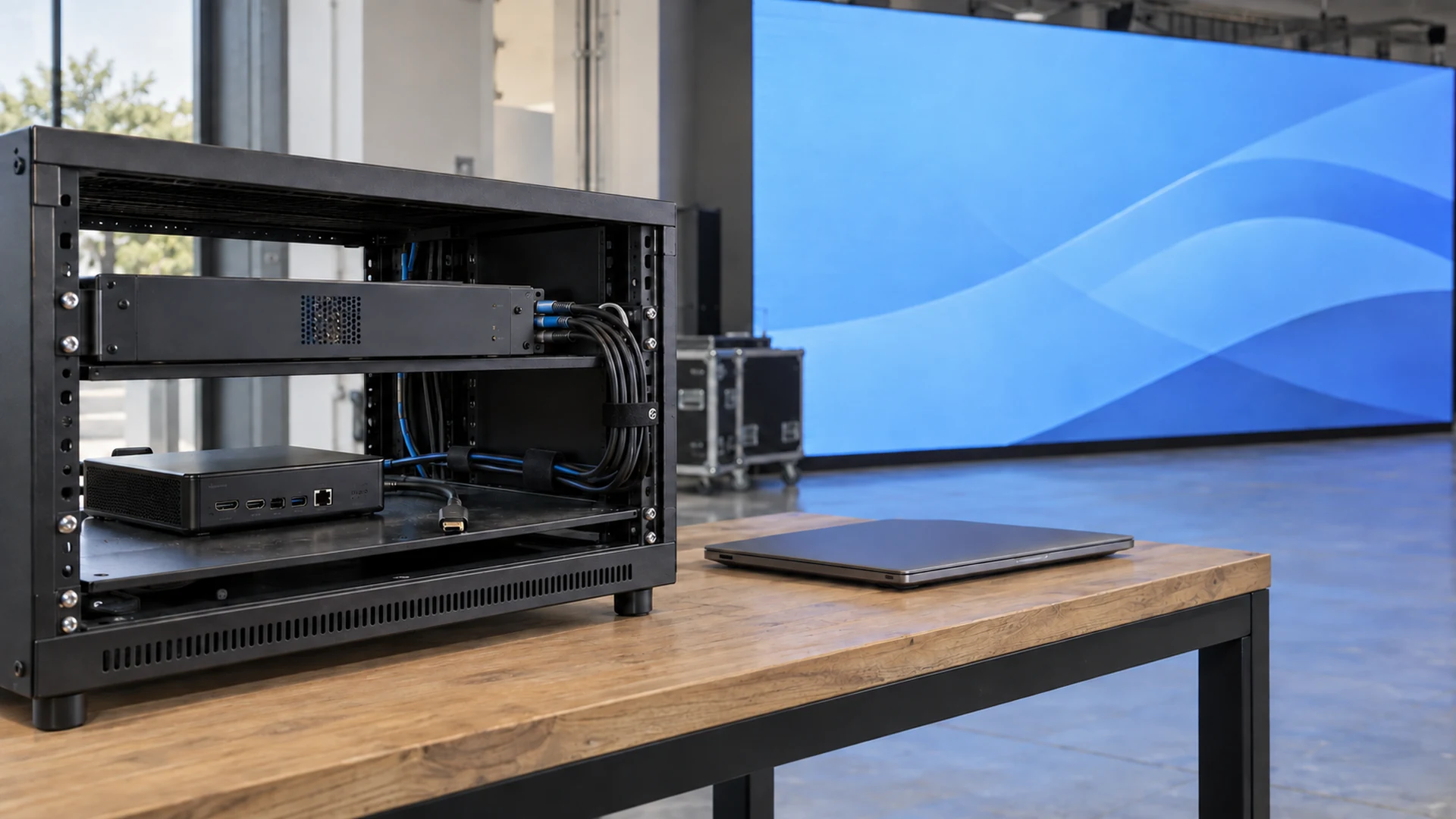
Run a controlled commissioning test during an agreed maintenance window. The integrator should use manufacturer-approved methods for interrupting each signal path and restarting equipment. Fault injection must not involve improvised work on mains wiring or disrupting a live audience service.
- Start with known content and record the active source, preset, firmware, brightness, and screen mapping.
- Interrupt one agreed signal path at a time so the cause remains identifiable.
- Record what appears immediately, during the outage, and on each affected screen section.
- Check whether the operator receives the right alert with the affected device or zone identified.
- Restore the source and record the time until valid, correctly framed content is visible.
- Repeat the agreed cases after restart and preset recall, then restore the approved production configuration.
Define the timing endpoints. Detection time runs from the test fault to its recognition. Fallback time runs until the approved replacement state appears. Recovery time runs from source restoration to stable normal output. A single “switching time” figure can conceal a long detection delay or repeated attempts to reacquire the input.
Watch the whole transition for a desktop, manufacturer splash screen, test pattern, brief wrong image, unexpected brightness, or only part of the canvas returning. Include audio if it shares the same source. Retain video evidence and a written result rather than relying on an operator’s recollection.
Should recovery be automatic or operator-controlled?
Automatic return can suit unattended signage when the restored source is valid and stable. Operator-controlled return can suit a live event where an unscheduled cut would interrupt a cue. The decision should include both the source coming back and the content being ready.
If supported, specify a stable-source interval or other recovery condition to prevent repeated switching when a connection alternates between working and failing. Where the hardware cannot provide the required logic, identify whether the control system or operator supplies it. Do not assume the option exists because another model offers it.
A backup input also needs its own policy. Decide which source has priority, who can override the automatic choice, what happens when both fail, and whether the system returns to the primary source immediately or stays on the working backup. The control-system redundancy guide covers the equipment and path planning that supports this decision.
Use a failure-response matrix before purchase
A short matrix makes supplier proposals easier to compare. Populate the required response with the owner and integrator, then ask the supplier to mark each row supported, conditional, or outside its scope. The following is a planning worksheet; the listed test outcomes are evidence to request, not claimed product capabilities.
| Failure case | Response to specify | Evidence required |
|---|---|---|
| Player video output disappears | Agreed black, holding image, or backup input | Full-screen transition recording and operator alert |
| Application freezes with valid video | Freshness detection or an operator procedure | Demonstration that this differs from physical input loss |
| Content network becomes unavailable | Approved locally available content or unavailable state | Offline test with the actual player and schedule |
| One distribution branch fails | Defined behavior for affected cabinets and remaining wall | Zone-level observation, alarm, and recovery record |
| Controller restarts | Approved startup state and saved settings | Restart test and configuration readback |
| Primary source returns intermittently | Controlled return that avoids repeated switching | Repeated-loss test and documented return logic |
Keep content policy, fault detection, fallback storage, and repair responsibility visible in the quotation. An extra video input is only useful as a backup if the project also supplies a working source and a tested selection method. Ask who provides the player, replacement artwork, monitoring integration, operator training, and onsite retest.
Make faults visible to the people who can respond
An attractive holding image can hide an outage from staff. The operator view should distinguish normal operation, approved fallback, known failure, and restoration awaiting approval. A generic “device online” indicator is insufficient when the player is reachable but the content has stopped updating.
Assign an alert recipient, escalation route, and service response for each supported failure class. Define what happens when the monitoring connection itself is unavailable. The remote-monitoring guide helps identify which status information the proposed hardware actually supplies. Avoid promising pixel-level or content-level monitoring without confirming the necessary equipment and integration.
What belongs in the handover package?
Save the final matrix, signal diagram, approved fallback artwork, canvas dimensions, input priorities, supported triggers, recovery procedure, and commissioning evidence. Include the firmware and configuration versions used for acceptance. Keep a controlled copy of the artwork so a future operator can distinguish the approved file from an obsolete campaign graphic.
Back up the processor and receiving-system settings through the supported tools. Document which files restore which device, and test the approved recovery process. The LED display configuration backup checklist provides a useful starting point. Retest affected failure cases after a significant player, controller, firmware, preset, or content-workflow change.
Specify the operating outcome in your RFQ
For a useful LED display signal loss proposal, send the screen size and canvas, source devices, content type, network dependencies, operating hours, staffing, backup sources, and intended outage response. State whether frozen information is acceptable and who authorizes the return to normal content.
Ask for a demonstrated sequence covering normal playback, failure detection, fallback, operator notification, and restoration. Send these project inputs to Mirun so the display and control scope can be coordinated with the player, content team, and integrator.
Frequently asked questions
Does a black LED screen prove the input signal is missing?
No. A valid source can send black video, an empty schedule can produce no useful content, or a blackout control can be active. Check source status, content state, selected input, and output controls before deciding which part failed.
Will a stored fallback image work during power loss?
Only equipment that remains powered and functional can display or transmit an image. Verify where the file resides and which powered devices it needs. A fallback graphic alone does not provide power backup.
Is the last-frame setting suitable for every application?
No. It may suit non-time-sensitive imagery for an agreed period, but it can leave obsolete information visible. Decide the permitted duration and notification method with the content owner, and test the exact failure trigger.
Does a successful cable-disconnection test cover a frozen player?
No. A frozen application may keep producing a valid video signal. Test content freshness or the agreed operator procedure separately from physical signal loss.
Need help choosing the right LED display?
Tell us your installation scene, screen size, pixel pitch target and timeline. Mirun Hailian can help match the right product configuration.