How do buyers calculate native LED display resolution?
Multiply cabinet columns by each cabinet’s horizontal pixels and cabinet rows by vertical pixels. A 4 × 3 m layout using 500 × 500 mm H/K P2.604 cabinets forms eight columns and six rows. At 192 × 192 pixels per cabinet, its native LED display resolution is 1,536 × 1,152 pixels.
| Model | Nominal pitch (mm) | Cabinet W × H (mm) | Cabinet W × H (pixels) | Calculated wall W × H (pixels) | Aspect ratio |
|---|---|---|---|---|---|
| H/K P1.95 small cabinet | 1.95 | 500 × 500 | 256 × 256 | 2,048 × 1,536 | 4:3 |
| H/K P2.604 small cabinet | 2.604 | 500 × 500 | 192 × 192 | 1,536 × 1,152 | 4:3 |
| R Series RX3.91 | 3.91 | 500 × 500 | 128 × 128, calculated* | 1,024 × 768 | 4:3 |
* The R Series RX3.91 cabinet matrix is derived from the catalog density of 65,536 pixels/m² over a square cabinet face of 0.25 m². That yields 16,384 pixels per cabinet or 128 × 128 pixels. Confirm the delivered matrix and pixel map on the supplier drawing.
At the concept stage, dividing active width and height in millimetres by the nominal pitch gives an estimate. For example, at 2.5 mm, a 4.8 × 2.7 m active face calculates to 1,920 × 1,080 pixels on paper. Check that the actual cabinets and modules close the required area. Use the ordered hardware matrix for final approval.
Use the H/K Series small-cabinet pitch and format specifications and R Series RX3.91 cabinet and model specifications to request the map for the exact cabinet quoted.
How should a 16:9 video fit a 4:3 LED canvas?
To show the whole 16:9 picture, scale it proportionally to the width of the 4:3 canvas and centre it. On a 1,536 × 1,152 wall, a 1,920 × 1,080 source fits as 1,536 × 864, leaving one 144-row band above and one below. Choose crop or redesign if the content must fill the wall.
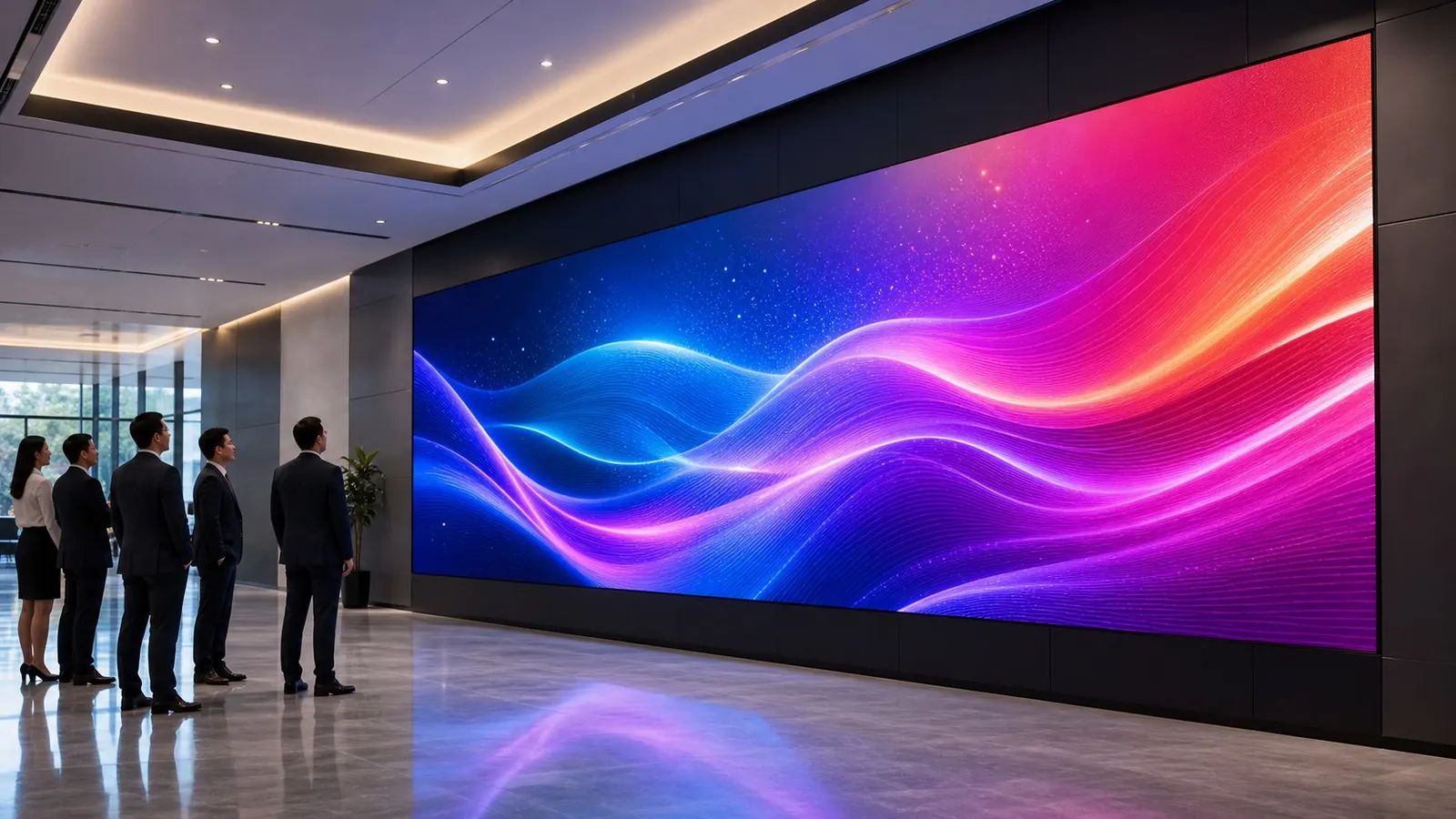
Use fit when every part of the source frame must remain visible. Use crop only once the content team approves the part of the source that will be cut. For new artwork, issue the native canvas and safe-area boundaries so the designer can place titles and logos for the actual display.
What controller and module mapping details should the supplier confirm?
Ask the supplier for a cabinet and module pixel map, cabinet orientation, and a port-by-port list showing cabinet order and assigned pixels. Confirm the processor’s supported input, maximum output width and height, port loads, scaling mode, and backup method. Approve those settings with the actual cabinet count and intended sources.
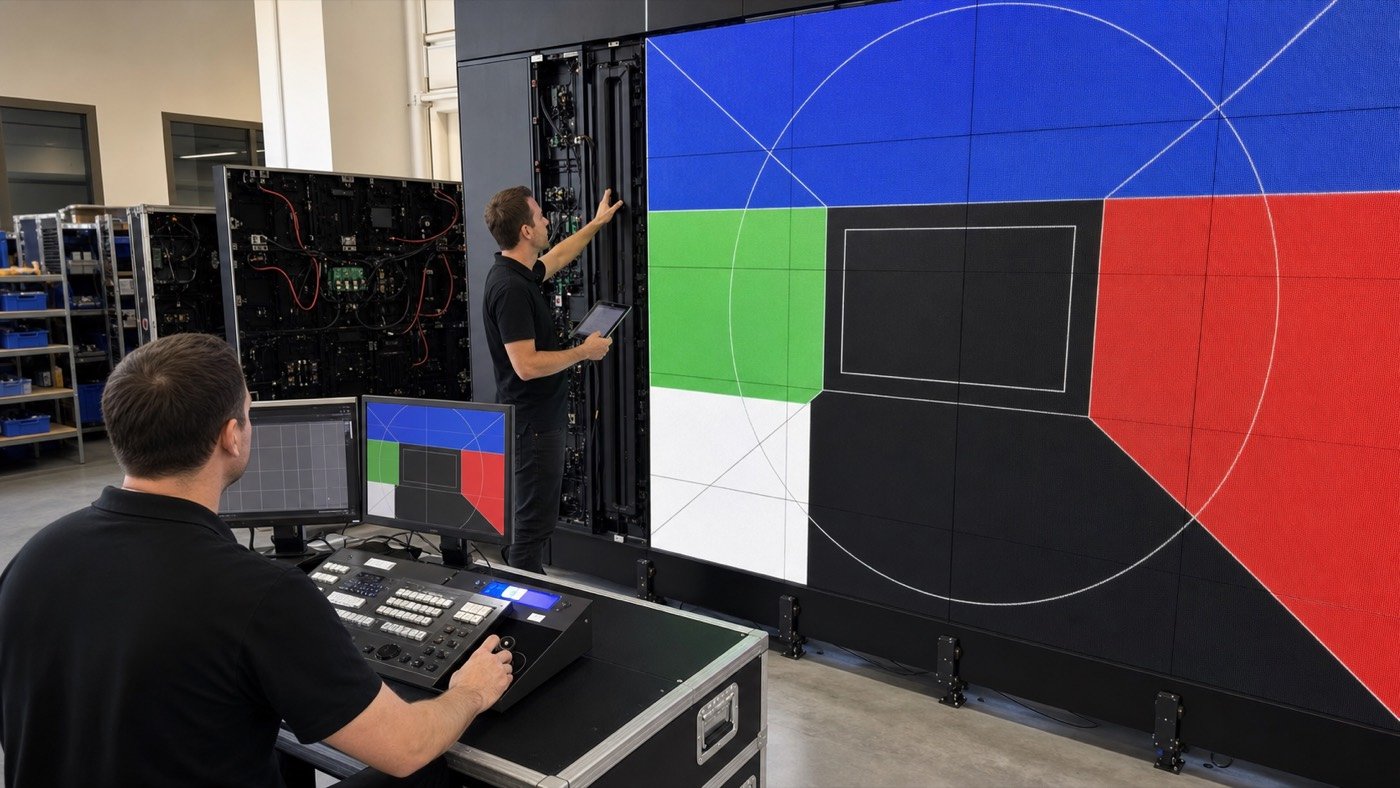
Ask for the physical diagram and the editable map in the same revision. The physical diagram locates each cabinet and data cable. The map assigns the pixels for each cabinet, and where relevant each module, to its position on the canvas. On multi-processor walls, identify where each image section begins and ends and how the backup takes over.
What should the team receive before production handover?
Freeze the physical layout and the native canvas on the same drawing before production. Supply the content owner with pixel dimensions, aspect ratio, safe areas, accepted signal formats, and the approved scaling rule. Agree who runs the full-wall test and who receives the editable mapping file, configuration backup, and handover records.
- Supplier. Issue the cabinet and module drawings, signal flow, port assignment and editable controller project.
- Content team. Deliver sample files showing the smallest text, the intended framing and the accepted frame rate or input format.
- Installer and buyer. Verify the cabinet order with labelled test blocks, check framing with the sample files, and keep the approved map and recovery instructions.
Use the LED display quotation guide for mapping and commissioning scope to record who supplies the files and runs the tests. For a rental layout, request an H/K cabinet layout with Rental LED Display selected and send your active dimensions, source formats and smallest required text.
LED display resolution planning FAQ
Can a controller accept 4K input for a 1,536 × 1,152 LED wall?
Ask for the controller’s supported input timings, including resolution and refresh rate, and confirm how it will fit or crop the source to the 1,536 × 1,152 native canvas. Test that source through the primary path and any agreed backup.
Can I reuse a cabinet map after replacing a processor?
Keep the editable map, controller project, sending and receiving-card settings, and a record of the approved hardware and software versions. Ask the supplier which replacements can import that project and test the restore procedure before relying on it on site.
Can I rotate or mix cabinet formats to achieve a 16:9 wall?
Ask the supplier for an approved layout showing cabinet orientation, mechanical compatibility and the resulting native dimensions. Confirm lock alignment, access to power and data, receiving-card support and consistent calibration across the proposed formats.
Which test pattern reveals cabinets mapped in the wrong order?
Use a pattern at native resolution with numbered cabinet cells, marked corners and a line that crosses several cabinet boundaries. Display it through the delivered controller configuration and compare the result to the signed map. Check a separate full-frame image to verify scaling.
What should I send my designer if the frame hides part of the LED wall?
Send the full native canvas, the masked area in pixels and the safe-area drawing for text and logos. Confirm whether the processor will leave the masked pixels active or the content will keep that region blank. Preview the final artwork against the mask before approving it.
Need help choosing the right LED display?
Tell us your installation scene, screen size, pixel pitch target and timeline. Mirun Hailian can help match the right product configuration.