A beautiful LED wall can still become a maintenance headache if nobody plans where the heat will go. For B2B buyers, LED display heat dissipation is not a small engineering detail. It affects brightness stability, component life, fan noise, service calls, and even the amount of HVAC work your site may need.
The tricky part is that a quote can look complete while the cooling plan is still missing. You may have cabinet dimensions, pixel pitch, power consumption, and a structural drawing, but no clear answer about air intake, hot-air exhaust, or the temperature behind the screen. Let’s fix that before the purchase order is signed.
Why LED display heat dissipation belongs in the RFQ
An LED display turns electrical input into light, processing, and heat. The actual thermal load changes with screen size, content, brightness settings, cabinet design, ambient conditions, and operating hours. That is why one generic cooling statement cannot cover every project.
When heat is trapped, the first symptom may not be a dramatic shutdown. You may see subtle color differences, brightness throttling, noisy fans, or power supplies that fail earlier than expected. Those issues are expensive because they tend to appear after the screen is installed, when access is harder and every service visit disrupts the customer.
A practical RFQ should ask the supplier to show how the proposed display moves heat under your expected operating conditions. Pair that with your LED display power consumption plan, because the electrical and cooling discussions belong together.
Start with the real installation environment
Before asking, “How many fans does the cabinet have?” describe the site. A fan count without site context does not tell you whether cool air can reach the display or whether hot air can escape.
Give the supplier the expected room temperature, operating schedule, screen dimensions, wall construction, service method, and available ventilation. Also flag nearby heat sources, direct sunlight, dust, humidity, and any noise limits. If the display sits inside a decorative wall, include the depth of that cavity and the location of every grille or duct.
This is especially important for a tight wall recess. A cabinet may perform perfectly on an open test stand but recycle its own hot exhaust after installation. The result is a hot pocket that a standard room thermostat never sees.
Indoor fixed LED walls
Indoor projects often look easy because the room is air-conditioned. However, room cooling does not automatically create airflow behind a video wall. Confirm the intake path, exhaust path, cavity depth, and whether warm air can rise and leave the enclosure. For quiet spaces such as boardrooms, broadcast studios, houses of worship, and retail stores, ask about fan noise at normal operating brightness.
Outdoor fixed displays
Outdoor cabinets face solar load, changing weather, dust, and wider temperature swings. Ask how the cabinet seals against weather while still managing internal heat. The supplier should explain the cooling method, filters or heat exchangers if used, inspection intervals, and what happens when a cooling device fails.
Rental and staging systems
Rental panels move between venues, so the environment is less predictable. A screen that runs indoors one week may work in direct sun the next. Buyers should define the harshest expected use case and make sure temporary structures, drapes, and stacked cases cannot block airflow.
Ask for a complete airflow plan
A useful thermal plan should be simple enough for the installer and facilities team to understand. It does not need to be a thick engineering report for every small project, but it should clearly show where air enters, where hot air exits, which side requires clearance, and what conditions were used for the recommendation.
| Buyer input | Supplier response | Why it matters |
|---|---|---|
| Screen size and target brightness | Typical and maximum power, plus expected thermal behavior | Prevents cooling from being sized around an unrealistic average |
| Ambient temperature and operating hours | Supported operating conditions and any derating strategy | Shows how the display handles hot rooms or long daily schedules |
| Wall cavity and service access | Required intake, exhaust, and maintenance clearances | Reduces trapped heat and future access problems |
| Noise limit | Cooling method and expected fan behavior | Avoids a technically functional screen that is too loud for the space |
| Dust and outdoor exposure | Filter, sealing, and maintenance approach | Keeps the cooling design effective after months of operation |
Service access matters here too. A front-service screen can be ideal for a shallow installation, but the ventilation path still needs room to work. A rear-service design may simplify inspection, provided the maintenance corridor is wide enough and not used as storage. Review our front-service vs rear-service LED display guide before locking the structure.
Passive cooling or active cooling?
Passive cooling uses cabinet materials, surface area, and natural convection to move heat without dedicated fans. It can reduce noise and the number of moving parts. Active cooling uses fans, conditioned air, or another powered method to increase heat transfer. Neither approach is automatically better for every project.
The right question is whether the proposed method works at your brightness, ambient temperature, installation depth, and duty cycle. A passively cooled cabinet still needs an unobstructed path for rising warm air. A fan-cooled cabinet still needs clean intake air and a place to send the exhaust. Ask what maintenance is required and whether the display reports an over-temperature or fan fault to the control system.
Factory tests B2B buyers should request
Do not rely only on a short power-on video. Ask for a thermal test with the display operating long enough to reach a stable condition. The supplier should use a representative brightness setting and content pattern, then record ambient temperature and temperatures at consistent locations.
- Run the assembled display or a representative section under documented conditions.
- Check power supplies, receiving cards, cabinet hot spots, air inlets, and exhaust areas.
- Use thermal images to compare modules and identify unusual hot zones.
- Confirm that fans, sensors, alarms, and brightness protection behave as specified.
- Save the results with the pre-shipment inspection records.
This thermal check fits naturally into a broader LED display pre-shipment quality inspection. You are not asking the factory to promise that every site will be identical. You are asking for repeatable evidence that the proposed hardware and cooling method work together.
What to verify after installation
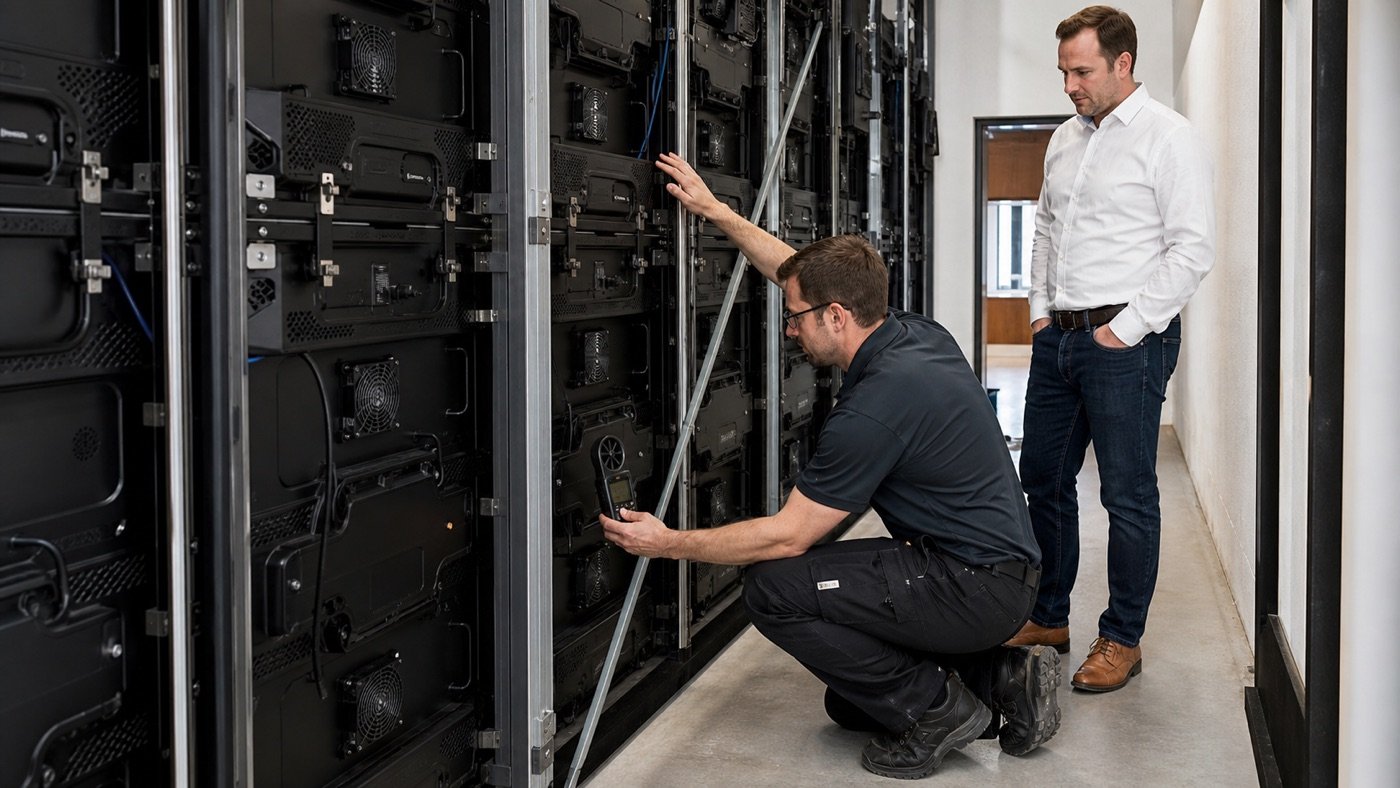
Factory testing is only half the job. The final wall, ductwork, trim, and cable routing can change airflow. During site acceptance, run the display at the agreed test setting and confirm the actual intake and exhaust temperatures. Check that finish panels do not cover vents and that hot air is not feeding back into the inlet.
Walk the service area while the screen is running. Listen for unusual fan cycling, look for blocked passages, and use a thermal camera to compare similar cabinet positions. Record the room temperature and display settings so the test can be repeated later. Add these checks to your LED display installation site checklist.
Red flags in a supplier’s answer
Be cautious when the response is only, “The cabinet has fans, so it will be fine.” Other warning signs include no documented clearance, no distinction between typical and maximum power, no plan for a recessed wall, or a recommendation that ignores the site’s ambient temperature.
Another red flag is a cooling plan that nobody owns. The LED supplier may assume the HVAC contractor will solve it, while the HVAC contractor assumes the screen is self-cooled. Put the interface in writing: who provides the heat-load information, who designs the room or cavity ventilation, and who verifies performance at commissioning.
LED display heat dissipation RFQ checklist
- What are the typical and maximum power figures for the complete display?
- Where does cool air enter, and where does hot air leave?
- What clearance is required around the cabinets and service area?
- What ambient conditions and brightness settings support the recommendation?
- Does the system use passive cooling, fans, HVAC support, or a combination?
- How are temperature and cooling faults monitored?
- What routine cleaning or filter maintenance is required?
- Which factory and site thermal tests will be documented?
The bottom line
LED display heat dissipation is much easier and cheaper to solve on a drawing than behind a finished wall. Give your supplier real site conditions, ask for a clear airflow path, connect the plan to power consumption and service access, and verify it twice: once at the factory and again after installation.
If you are comparing LED display proposals, send Mirun your screen size, installation drawing, ambient conditions, and operating schedule. Our team can help you turn those details into a practical cabinet, power, cooling, and maintenance plan before production starts.
Need help choosing the right LED display?
Tell us your installation scene, screen size, pixel pitch target and timeline. Mirun Hailian can help match the right product configuration.