A training room needs a large display before its next opening. One proposal offers an all-in-one LED display package; another offers cabinets, a processor and a custom installation. The first looks easier to approve. The second appears more flexible. The useful question is which proposal meets the room’s requirements with a clear delivery and service scope.
Start with an all-in-one package when its actual dimensions, native resolution, inputs and operating functions satisfy the brief. Evaluate a configured modular LED wall when the available packages miss a necessary size, shape, pixel canvas or integration requirement. Keep a packaged modular kit on the shortlist if it combines a suitable layout with a clearly defined supply scope. Judge the documented configuration rather than the category name.
Quick decision summary
| Your fixed requirement | Starting shortlist | Evidence that decides |
|---|---|---|
| A standard presentation canvas fits the room and content | All-in-one package | Dimensioned drawing and actual workflow demonstration |
| A wide opening or unusual canvas must be filled | Configured modular wall | Cabinet layout, native pixel map and mounting interface |
| A conventional wall is needed with a complete equipment bundle | Compare both, including packaged modular kits | Matched equipment, installation and service scope |
| Content, access or room interfaces are still unknown | Keep both routes open | Resolve the missing requirement before approval |
These are provisional choices. A package that fails a necessary requirement should leave the shortlist before price becomes the deciding factor.
What does an all-in-one LED display package include?
All-in-one describes how a supplier combines functions into a product or package. It does not establish that the display arrives as one indivisible panel, contains every meeting-room component or can be installed without site preparation.
For a concrete example, Planar’s UltraRes L documentation lists Full HD all-in-one displays in several sizes with on-board processing, audio and touch, plus an optional rolling stand. Those are features of that product family. They illustrate why buyers need a model-specific feature list rather than treating the category as a universal specification.
A modular LED wall uses a configured arrangement of cabinets or modules with the required control, mounting, power and signal equipment. It can also be supplied as a complete kit. Conversely, an all-in-one product may still require assembly and replaceable LED sections.
Compare the final system diagrams. Identify which functions are integrated, separately supplied or excluded. A modular proposal with a tested control interface can be straightforward for users, while an integrated display can still need external sources and room equipment.
Let the room reject unsuitable options first
Record the usable wall or floor area, normal viewing positions, mounting height, lighting, power and data locations. Separate fixed constraints from preferences. A structural column cannot be removed by choosing a different sales description; an optional decorative finish may be negotiable.
For each proposal, distinguish active image dimensions from the complete installed envelope. Include the frame, lower control housing where present, mounting system, required access and nearby furniture. A quoted diagonal alone will not show whether the installation fits.
Also check delivery. Packed dimensions, component weights, doorways, lifts, turns and assembly space can determine whether a proposed package reaches the room. A mobile version needs an approved stand and a workable movement route; the presence of wheels does not establish that every doorway or floor transition is suitable.
Use the installation site checklist to assign the site interfaces. Ask the supplier for the model’s requirements and have the responsible installer confirm the actual wall, support, electrical and access arrangements.
If an all-in-one package fits those conditions, keep it in the comparison. If its physical envelope fails, investigate another package or a configured layout before compromising the required viewing position.
Match native pixels to the content task
Pixel pitch is the spacing between neighboring LED pixels. Native resolution describes the physical pixel matrix available on the display. Input compatibility is a separate question: a system may accept a higher-resolution source and scale it to a smaller native canvas.
This matters for spreadsheets, drawings, small labels and several sources sharing one screen. Review the complete canvas and the pixels available to each window. Use the multi-window layout guide when users need simultaneous sources.
A worked example: equal area, different pixel canvas
Assume two hypothetical proposals have the same 3.84 m × 2.16 m active image. One specifies a 2 mm pitch; the other specifies a 1 mm pitch. These are illustrative inputs, not named products or a claim that a particular cabinet grid is available.
Convert the active dimensions to millimeters and divide by pitch:
- At 2 mm: 3840 ÷ 2 = 1920 horizontal pixels; 2160 ÷ 2 = 1080 vertical pixels.
- At 1 mm: 3840 ÷ 1 = 3840 horizontal pixels; 2160 ÷ 1 = 2160 vertical pixels.
The second arrangement has twice the pixels along each dimension and four times the total pixel count. Physical area alone therefore does not establish how much native detail the wall can show. Confirm the actual module and cabinet matrix rather than relying on rounded pitch labels.
This calculation does not make the finer arrangement the automatic purchase. Demonstrate the smallest important content at the intended window size and viewing positions. The text-readability acceptance guide covers that practical test.
If an all-in-one candidate meets the task, extra configuration freedom may add little value. If it cannot preserve the necessary detail, investigate a different native canvas. Either route must be judged on its actual pixel matrix; modular does not inherently mean 4K, and all-in-one does not inherently mean Full HD.
Choose configured geometry when it solves a real constraint
A wide architectural opening, several coordinated display sections or a nonstandard aspect ratio can make a configured modular wall worth evaluating. The chosen cabinet grid still constrains the dimensions you can assemble.
Planar’s Mosaic documentation gives a model-specific example of multiple cabinet sizes and orientations used for custom layouts. That capability belongs to the documented system. It does not establish that arbitrary cabinets can be mixed or that every proposed dimension is achievable.
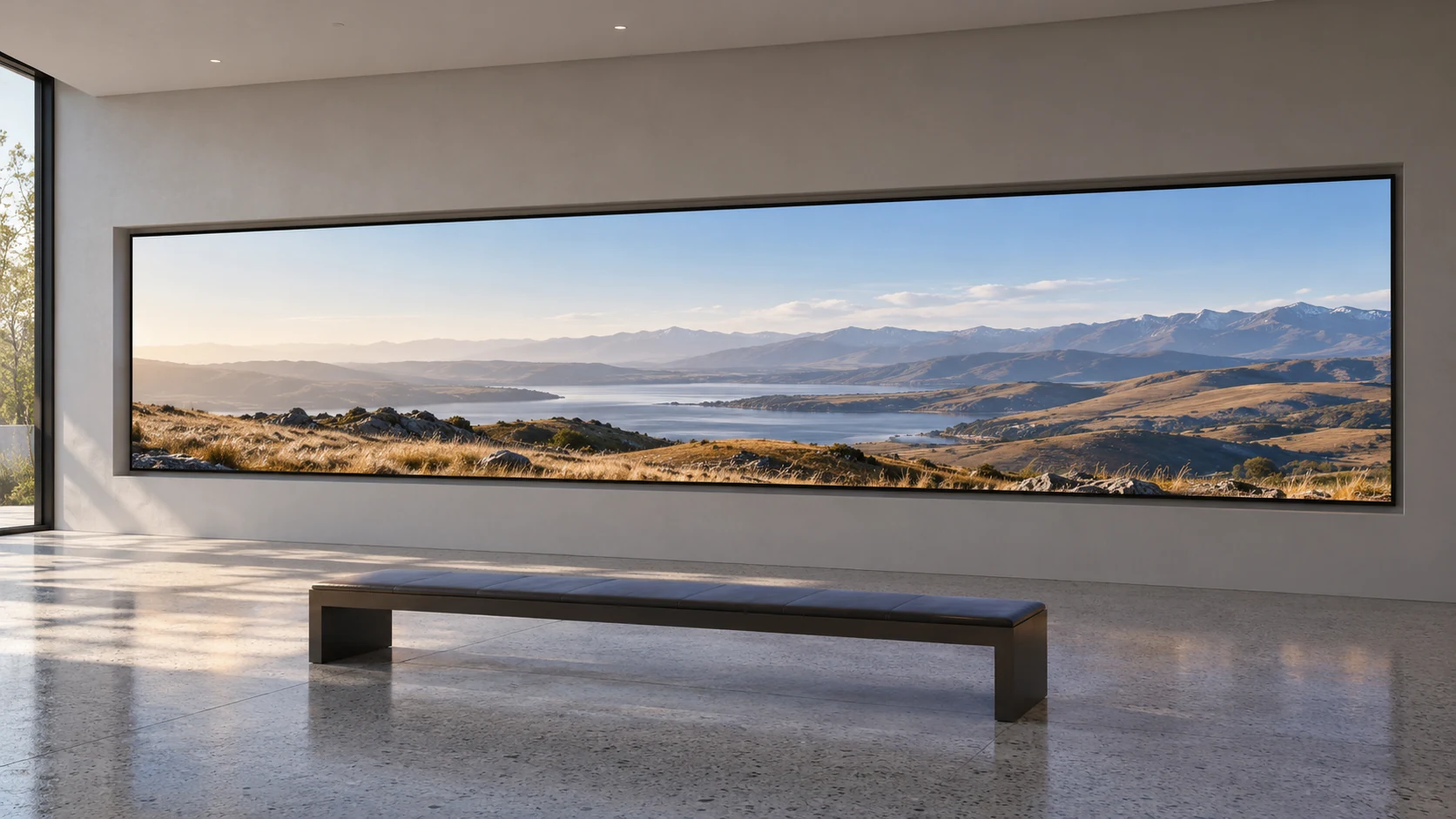
Ask for the active image size, outside dimensions, cabinet layout and native pixel map together. A change to one can affect the mounting interface and content layout. Agree those dependencies before producing the final surround or commissioning content.
Include the content team in the decision. A panoramic wall may need a dedicated composition; a standard presentation could be scaled, cropped or shown with unused areas. Approve the intended treatment explicitly. Buying a custom shape is useful when the content and architecture benefit from it.
Compare the actual room workflow
List what users must do: connect a laptop, join the approved meeting system, share a presentation, recall a layout, adjust volume and shut down. Ask each bidder to demonstrate those tasks from the same starting condition.
Do not infer a complete conferencing system from integrated speakers, touch or an operating system. Identify the microphones, cameras, audio processing, conferencing computer and network services that the room requires. Confirm which are included and how their signals reach the display.
Existing AV equipment can change the shortlist. A room with an established controller or processor may need documented inputs and commands more than another built-in application. A room without that infrastructure may value an integrated operating experience. In both cases, request a signal diagram and an included-function list.
For a configured fine-pitch LED wall, ask who designs and commissions the user interface. For an integrated package, verify the supplied software, approved connection methods and support arrangements. Include any necessary licenses or subscriptions in the comparison.
Keep the user demonstration separate from an engineer’s setup session. Users should be able to repeat the agreed workflow after an ordinary restart or source reconnection.
Price the installation and service outcome
A product’s assembly description is narrower than a completed room delivery. Request a schedule covering access, mounting, power and signal work, configuration, testing, training and handover. Name the team responsible for each dependency.
An integrated package may reduce the number of equipment choices, but an unsuitable wall or unfinished electrical interface still needs resolution. A modular package may involve more coordination, yet a supplier or integrator can define a complete installation scope. Evaluate the actual proposal.
Apply the same reasoning to maintenance. Ask which LED sections, power components and control parts can be replaced, from which direction and by whom. Obtain the documented access requirements and identify any tools or handling arrangements.
Compare the warranty and service terms alongside the equipment list. Identify parts coverage, local labor, attendance, transport and the response route. A single supplier contact is useful only when the responsibilities behind that contact are clear.
Decide what must remain changeable
Define a credible future change rather than asking whether the system is “future-proof.” An extra input, a different room-control interface, a replacement processor and a larger wall are different projects.
For each likely change, ask which existing parts can remain and what must be replaced or reconfigured. Integrated functions may be tied to the product’s supported upgrade path. Separate equipment may offer another replacement route, but compatibility still needs documentation.
Similarly, a modular structure does not guarantee inexpensive future expansion. Matching cabinet appearance alone does not establish electrical compatibility, controller capacity or a satisfactory visual match. Request a supported expansion plan if it is part of the purchase rationale.
Choose the configuration that handles the changes you can reasonably anticipate. Do not pay for an undefined expansion promise, or reject a suitable integrated package because a hypothetical change might occur.
Approval checks for comparable proposals
| Approval item | Evidence to receive | Lead responsibility to confirm |
|---|---|---|
| Installed fit | Active and outside dimensions, mounting and access drawing | Supplier and site installer |
| Content result | Native canvas plus real-content demonstration | AV team and end users |
| Room integration | Signal diagram, functions and required external equipment | Integrator and IT team |
| Delivery and service | Included scope, schedule, replacement route and support terms | Supplier and buyer |
Use the table as a final gate, with the actual responsible parties named in the purchase record. Resolve exclusions before comparing totals. Keep one version of the agreed drawings, equipment list and acceptance requirements.
Make the choice on the requirement that changes it
An all-in-one LED display is a strong candidate when the documented package fits the room, content, integration and service requirements. A configured modular LED wall becomes more persuasive when a necessary requirement cannot be met by the available packages. A complete modular kit can provide another route between those purchasing approaches.
For a useful proposal, send Mirun Hailian the project details: the usable opening and room plan, viewing positions, representative content and required layouts, existing AV equipment, service access, destination and target opening date. Ask which supplied configuration meets the brief, what remains a local responsibility and how the result will be demonstrated.
Buyer questions
Can an existing video processor feed an all-in-one display?
Possibly, if the exact processor output and display input support the required operating mode. Confirm the documented signal path and test it. An accepted input does not imply that the display’s internal processing can be bypassed.
Should a room using ordinary slides always choose 4K?
No. Specify the real task, window sizes and viewing positions, then compare native canvases with the actual material. A resolution label alone does not establish readability or justify a particular package.
Need help choosing the right LED display?
Tell us your installation scene, screen size, pixel pitch target and timeline. Mirun Hailian can help match the right product configuration.