What does the quoted brightness number describe?
A nit is one candela per square metre. It measures display luminance as viewed from a specified direction. Ask whether the quote refers to a module, cabinet or assembled screen, and record the white point, test pattern, operating mode and measurement position so competing numbers describe the same test.
Use lux to record the ambient light reaching the screen face, and cd/m² to record the display luminance. Keep both readings with the viewing position and time of day. For a screen behind glass, note reflections, where direct sun falls, and how the enclosure will handle heat. A recorded viewing test with the intended content helps the team compare those conditions.
How should buyers compare brightness for an outdoor LED display?
For a proposed west-facing storefront sign with afternoon sun and nearby pedestrians, shortlist FC3.33 for its finer pixel grid and test the smallest lettering from the sidewalk. Compare FC8 for farther viewing and larger graphics. Check daytime readability on site and agree on a separate dimmed setting for after-dark operation.
| Model | Catalog application | Nominal pitch (mm) | White-balance brightness (cd/m²) | What to verify before approval |
|---|---|---|---|---|
| FC3.33 | Fixed outdoor media | 3.33 | ≥4,500 | Readability of the smallest planned lettering in direct sun and from the closest viewing position. |
| FC8 | Fixed outdoor media | 8 | ≥6,000 | Readability and framing of the proposed content at the intended viewing distances. |
| R Series RX3.91 | Outdoor rental | 3.91 | ≥4,500, confirm configuration* | Quoted brightness configuration, daylight visibility and low-light image quality. |
| R Series RS2.604 | Indoor rental | 2.604 | ≥700 | Normal operating brightness and gray detail under the venue lighting. |
* The catalog prints the RX3.91 entry as ≥4500(6000). Ask the supplier to state the exact brightness of the offered configuration in the quotation and specify how it will be measured.
For the storefront example, note the hours when the screen is exposed, the closest sidewalk viewing position and the content that must be readable. Compare the FC Series fixed outdoor cabinet options before arranging a visibility test. For a temporary venue, check the R Series indoor and outdoor rental brightness specifications for the named model.
How can buyers verify brightness at the factory and on site?
Agree on a warmed-up, calibrated display, a repeatable full-screen white pattern and readings in cd/m² at named points using a calibrated luminance meter. Keep picture settings and measurement geometry consistent. Then test the approved daytime and dimmed presets with sample content, and check site readability from the actual viewing positions.
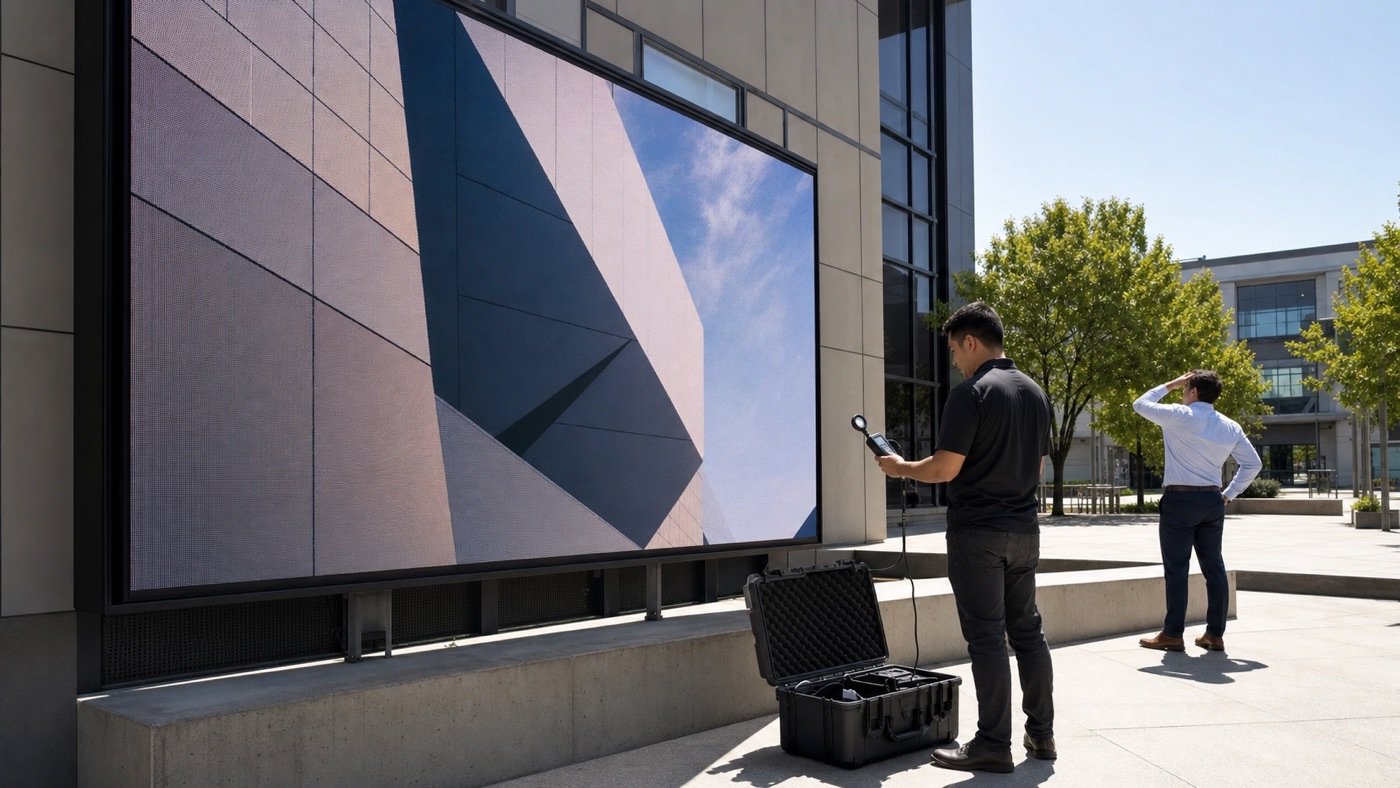
- Record the model, lot or configuration, instrument and calibration details, test pattern, aiming angle, measurement distance, screen settings and ambient light.
- Measure a white field at the agreed centre and outer points. Review each reading against the written uniformity tolerance.
- At dimmed settings, inspect gray ramps and dark footage for lost shadow detail and colour shifts. For camera-facing work, repeat the test with the planned camera settings.
- Repeat the site visibility check during the expected bright period and from the main off-axis positions. Keep the readings, photos, settings and signed acceptance record.
What should a brightness RFQ say about operating modes?
Write the expected daylight and low-light conditions, required content, viewing positions, presets and test method into one brief. Ask for each preset’s power and cooling assumptions, the light sensor location and control access, and the fallback behaviour if the sensor or network fails. Name who will verify the settings on site.
Share screen orientation, shading, any glazing, operating hours and the smallest text that must be visible. Agree who can change the presets or override automatic control. Use the LED display quotation checklist for acceptance and power scope to record those responsibilities.
For a fixed outdoor installation, request a daylight-visibility quote with Outdoor LED Display selected. Include site photos, the screen direction, the expected sun and shade periods, the viewing positions and representative content.
LED display brightness buying FAQ
Can I compare a room lux reading with the LED wall’s nits?
Record them separately. Lux describes the light falling on the screen face. Nits describe the light from the display in the measurement direction. Record the ambient reading, the white-field reading and what viewers can read from the agreed positions.
What brightness should I request for an LED display behind glass?
Test representative content through the proposed glass during the strongest expected reflection. Note the viewing angle, direct-sun hours, glazing and ventilation. Set the acceptance target from that test and check that the proposed enclosure can handle the operating conditions.
Which RX3.91 brightness configuration will I receive?
The catalog prints the RX3.91 white-balance brightness as ≥4500(6000). Ask the supplier to specify the offered configuration, measured luminance and test settings in writing. Confirm those details for the delivered cabinet before accepting the order.
Who should set the nighttime brightness for an outdoor display?
Have the site operator and project team agree on the preset using the installation conditions and the requirements that apply to the site. Record who approves changes, who can override the schedule and how the controller behaves if the light sensor is unavailable.
Are screen photos enough to approve brightness?
Use photos to document content, conditions and viewing position. Pair them with meter readings, the test pattern and screen settings because camera exposure changes how bright the display appears. Record the observed readability and any areas that need a repeat test.
Need help choosing the right LED display?
Tell us your installation scene, screen size, pixel pitch target and timeline. Mirun Hailian can help match the right product configuration.