How does LED refresh rate differ from video frame rate and camera shutter?
LED refresh rate in hertz describes the display’s refresh timing. Source frame rate counts new content frames per second, while camera frame rate counts captured frames per second. Shutter time sets the exposure duration of each frame. A scan ratio such as 1/16 describes how the hardware drives groups of LEDs in turn.
Keep five separate fields in the test record. For example, a video source can send 50 frames per second to the LED processor for a wall with a catalog refresh rate of 3,840 Hz. Record the camera’s own frame rate and exposure setting for each shot.
Which refresh rate should you specify for an R Series or H/K rental wall?
Mirun’s 2026 catalog lists all six R Series cabinets at 3,840 Hz or higher. Its H and K tables list 3,840 and 7,680 Hz options. Ask the supplier to identify the actual setting for the quoted driver and receiving-card combination, and show footage recorded at the show’s brightness and camera settings.
| Cabinet family and use | Models and nominal pitch (mm) | Catalog refresh rate (Hz) | Mode or configuration check |
|---|---|---|---|
| R Series RS · indoor | RS1.95, RS2.604, RS2.97 | ≥3,840 | Confirm the driver and scan setting for the chosen model. Test the lowest brightness planned for indoor filming. |
| R Series RX · outdoor | RX2.604, RX2.97, RX3.91 | ≥3,840 | The RX3.91 drive entry reads 1/16 (1/8) in the catalog. Confirm the quoted scan mode and test at daytime and dimmed show levels if both are planned. |
| H and K Series · rental | P1.95, P2.604, P2.976, P3.91, P4.81 | 3,840 / 7,680 options | Quote the exact series, pitch, cabinet format and refresh setting. The P1.95 and P2.604 entries refer to the small cabinet. |
Compare the R Series refresh specifications for indoor RS and outdoor RX cabinets with the H and K Series pitch and refresh options. When a quote offers both settings, request the supported brightness and grayscale settings for each, then compare footage with the rest of the system held constant.
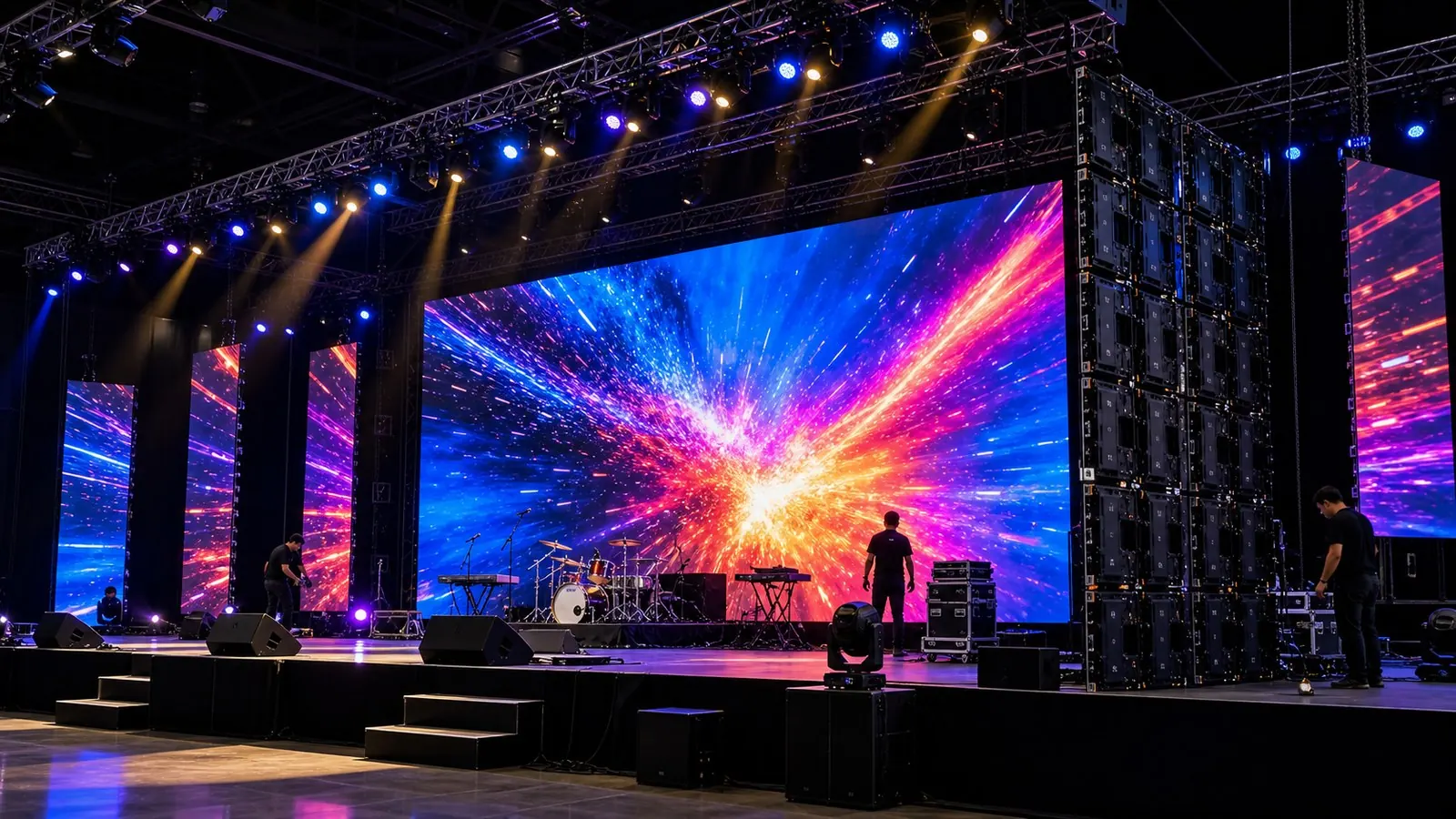
How do you run an LED wall camera acceptance test?
Record the quoted cabinet and processing chain with the planned camera, lens, frame rate, shutter and screen brightness. Include a static shot, a pan or tilt, dark gradients and representative motion. Repeat at the lowest planned brightness and review recorded footage for bands, flicker, tearing, color shifts and uneven gray tones.
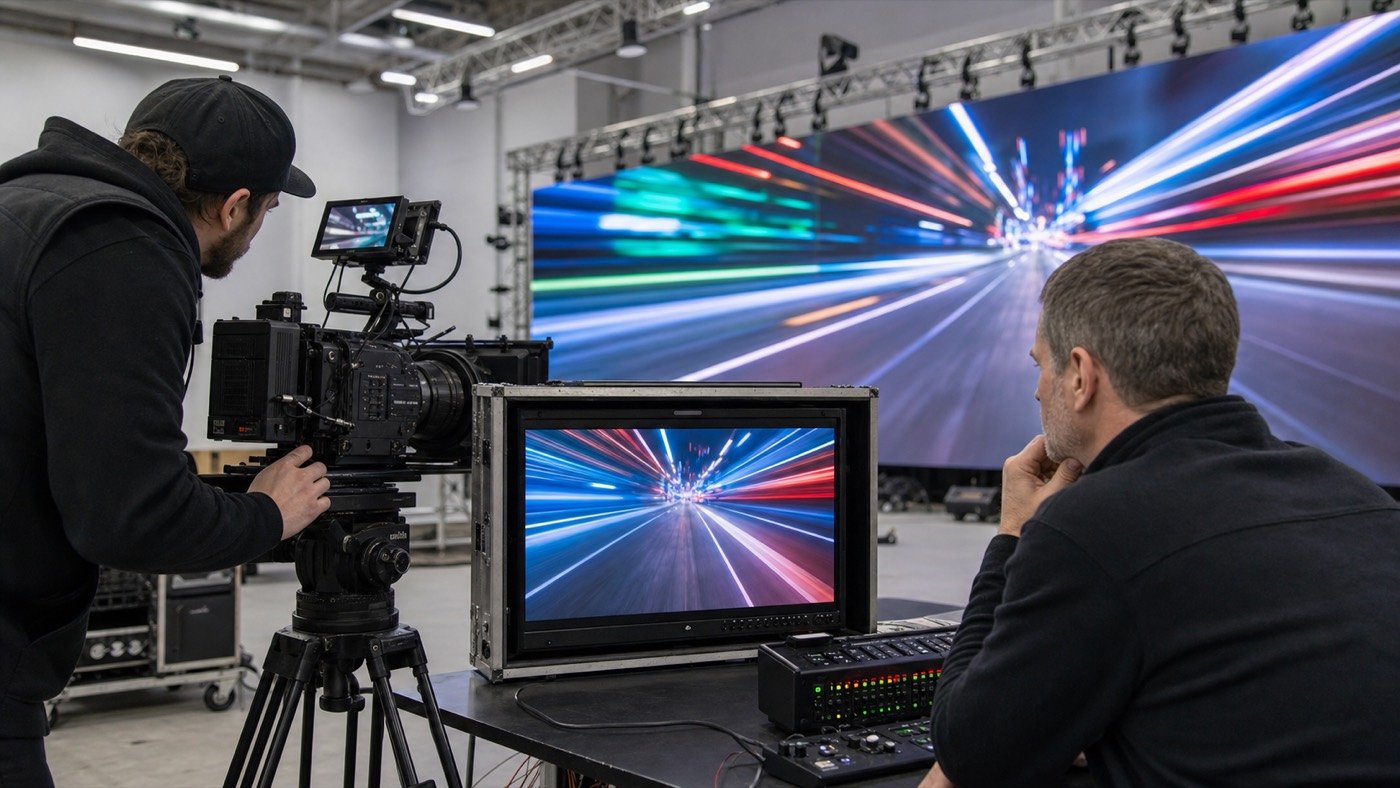
- Match the equipment. Set up the quoted modules, processor and receiving cards. Record the firmware and the cabinet configuration file used for the test.
- Recreate the shots. Record at the planned camera distances and angles. Include the fastest frame rate and shortest exposure that the production requires, including slow motion where applicable.
- Use real show content. Include a neutral gray ramp, near-black scenes, a bright flat field and planned motion. Review the recorded clips as well as the monitor.
- Agree on the result. Have the production team approve a set of clips for each required operating mode. Record any defect that remains, the conditions that produce it and the settings the team accepted.
If a clip shows bands, record the original settings before changing them. Adjust one setting at a time with the display technician and camera operator. Where the equipment supports shared sync and phase adjustment, record those settings in the same test log.
What should your LED display quotation record about camera performance?
Attach the approved cabinet and module configuration, processor, receiving cards, firmware and saved settings to the quotation. Record the camera model, lens, frame rate, shutter and screen brightness for each accepted mode. Include reference footage, a production-unit retest and the configuration files needed to restore the approved setup after service.
Use the LED display quotation scope checklist to agree who supplies the processing equipment, who records the camera test and which files are part of handover. Check the actual production cabinets before shipment against the approved sample and acceptance clips.
Request an R Series quote with a camera-test plan. Include the intended model or pitch, wall dimensions, camera and lens list, frame rates, shutter range and the brightest and dimmest scenes.
LED display refresh rate purchasing FAQ
Does a 7,680 Hz option cover the slow-motion mode we plan to use?
Send the required slow-motion frame rate and shutter setting with the quote request. Ask for footage from that mode using the quoted cabinets and controller, at the brightness and viewing angle planned for the event. Approve the clips with the camera operator.
What should I check if dark bands appear only when the wall is dimmed?
Record a gray ramp with the same camera and shutter settings at both normal and dimmed brightness. Share the footage and the matching settings with the display technician. Ask them to verify the supported dimming, grayscale and refresh combination for the supplied cabinet configuration.
Can we sign off on the display using a phone video from the supplier?
A phone clip can help identify a visible issue during screening. For sign-off, use the planned production camera and shutter settings with the quoted cabinets, processor and receiving cards. Keep the full recorded clips so the camera team can review them.
Do we need another camera test if a receiving card is replaced?
Confirm the replacement part and firmware with the supplier, then restore the approved configuration and calibration files where applicable. Repeat a short recording of the agreed dark ramp and motion clips before the wall goes back on camera.
Need help choosing the right LED display?
Tell us your installation scene, screen size, pixel pitch target and timeline. Mirun Hailian can help match the right product configuration.